



BRIEF RECAP
Java
Introduction
and Java API

Java Program Structure
In the Java programming language:
◦A program is made up of one or more classes
◦A class can contain one or more methods
and some data (variables and constants)
◦A method contains program statements
A Java application (not applet) always contains
a method called main
2

Java Program Structure
3
public class MyProgram
{
}
// comments about the class
class header
class body
Comments can be placed almost anywhere

Java Program Structure
4
public class MyProgram
{
}
public static void main (String[] args)
{
}
// comments about the class
// comments about the method
method header
method body

Comments in Java
Programs
5
// this comment runs to the end of the line
/* this comment runs to the terminating
symbol, even across line breaks */
/** this is a comment */

Java Identifiers
An identifier can be made up of letters, digits, the
underscore character ( _ ), and the dollar sign
Identifiers cannot begin with a digit
Java is case sensitive - Total, total, and TOTAL are
different identifiers
6

Java Identifiers
By convention, Java programmers use different case
styles for different types of identifiers, such as
title case for class names - Lincoln
upper case for constants - MAXIMUM
7

Java Reserved Words
8
abstract
boolean
break
byte
case
catch
char
class
const
continue
default
do
double
else
extends
false
final
finally
float
for
goto
if
implements
import
instanceof
int
interface
long
native
new
null
package
private
protected
public
return
short
static
strictfp
super
switch
synchronized
this
throw
throws
transient
true
try
void
volatile
while

Java API Specification
API – Application Programmer Interface
It contains the list of all pre-defined Java classes in the
Java libraries.
API contains packages, and each packages contain
classes.
Examples of packages: java.lang package, java.util
package, etc.
9

Java API (cont.)
java.lang package contains the String class, the System class,
and so on.
Note: java.lang is always imported without an "import"
statement.
However, to use a class of any other package, you need to
import it. For example,
import java.util.Scanner;
OR
import java.util.*; //to import all classes in this package
10

System.out
System.out is a destination (object) to which we can send
output.
System is a built-in class present in java.lang package.
out is a static final field (ie, variable)in System class
Commonly used methods with System.out are "print" and
"println".
11

System.out (cont.)
In order to print out "Hello World" in a console, we can use
a code
System.out.print("Hello World");
You can print out a primitive data type using "print"
method as well as strings.
To concatenate a string with a string, or a primitive data,
you can use "+". For instance,
int number = 10;
System.out.print("The number is " + number);
12

System.out (cont.)
"println" method adds a carriage return at the end. Thus
System.out.print("Hello World\n");
and
System.out.println("Hello World");
will give the same result.
13

Designing Classes
14

Classes – introduction
A class is a blue print of an object.
A class consists of some data (attributes) and
methods.
Encapsulation
The variables contained in an object should be
modified only within the object.

Classes – introduction (cont.)
Visibility modifiers/Access Specifiers
They are used to declare classes, methods, and
variables to define their accessibility.
public – it can be accessed from anywhere (including
outside of the class)
private – it can only be accessed from inside the class.

Classes – introduction (cont.)
Accessor methods
An accessor method can be defined to access private
variable in the class since private data cannot be
accessed from outside of the class.
Mutator methods
A mutator method can be defined to modify private
variable in the class.

18
public class Example1
{
private int number1;
//Accessor method for the variable “number1”
public int getNumber1()
{
return number1;
}
//Mutator method for the variable “number1”
public void setNumber1(int numberFromOutside)
{
number1 = numberFromOutside;
}
}

19
The toString methods
-It is a method that takes no parameter and returns a String.
-A returned string usually contains information on instance
variables of its class.
-Each class has a default toString method that contains its
class object name and hash number.
-When an object is used with System.out.print or println
method, its toString method will be called.

20
public class Example
{
public static void main(String[] args)
{
Customer customer1 = new Customer();
System.out.println(customer1.toString()); // line1
System.out.println(customer1); // line 2
}
}
public class Customer
{
private int custId;
private double balance;
public Customer()
{
custId = 1;
balance = 100.0;
}
public String toString()
{
String result = "CustomerId: "
+ custId + "\nBalance: "
+ balance;
return result;
}
} // end of the class Customer
Output of this program:
CustomerId: 1
Balance: 100.0
CustomerId: 1
Balance: 100.0
Line1 and line2 produce the same output.
When printing an object,
its toString() method is automatically called.

21
Constructor methods
A constructor is a special method that is used to create a
new object.
Programmers do not have to define a constructor for a
class.
Each class has a default constructor.
-It has to have the same name as the class
-It does not have return type, not even “void”
-It can be used to set the initial values of instance variables

22
Example:
public class Customer
{
private int customerId;
private double balance;
public Customer( ) //Constructor
{
customerId = 0;
balance = 0.0;
}
}

23
Method Overloading
It is the process of using the same name for multiple
methods.
However, the signature of each method must be
unique.
The signature -- the number, type, and order of the
parameters

24
Method Overloading
Example: We can have two definitions for the method “calc”:
public int calc(int num1, int num2)
{
int sum = num1 + num2;
return sum;
}
public int calc(int num1, int num2, int num3)
{
int sum = num1 + num2 + num3;
return sum;
}

25
Instance Variables vs. Local Variables
Instance variables – variables declared at a class
level.
They can be used by all methods in that class.
Local variables – variables declared in a method.
They can be used only in that method.

26
The this reference
The this reference refers to the instance variables of the
object.
This approach eliminates the need to come up with a
different yet equivalent name.

27
The this reference
Example: The following two methods have the same result.
public class Example2
{
private int accountNum;
public void setAccountNum1(int account)
{
accountNum = account;
}
public void setAccountNum2(int accountNum)
{
//this.accountNum is an instance variable
this.accountNum = accountNum;
//accountNum on right hand side is a local variable
}
}

28
Static modifiers
– it associates a variable or method with the class rather than
an object. (there are static variables and static methods)
– it is invoked by the system without creating an object.
Static Methods
– cannot reference non-static instance variables.
– can reference static variables or local variables.
Static Variables – also called class variables
All objects created from the class share access to the static
variable.
Changing the value of a static variable in one object changes it
for all others.
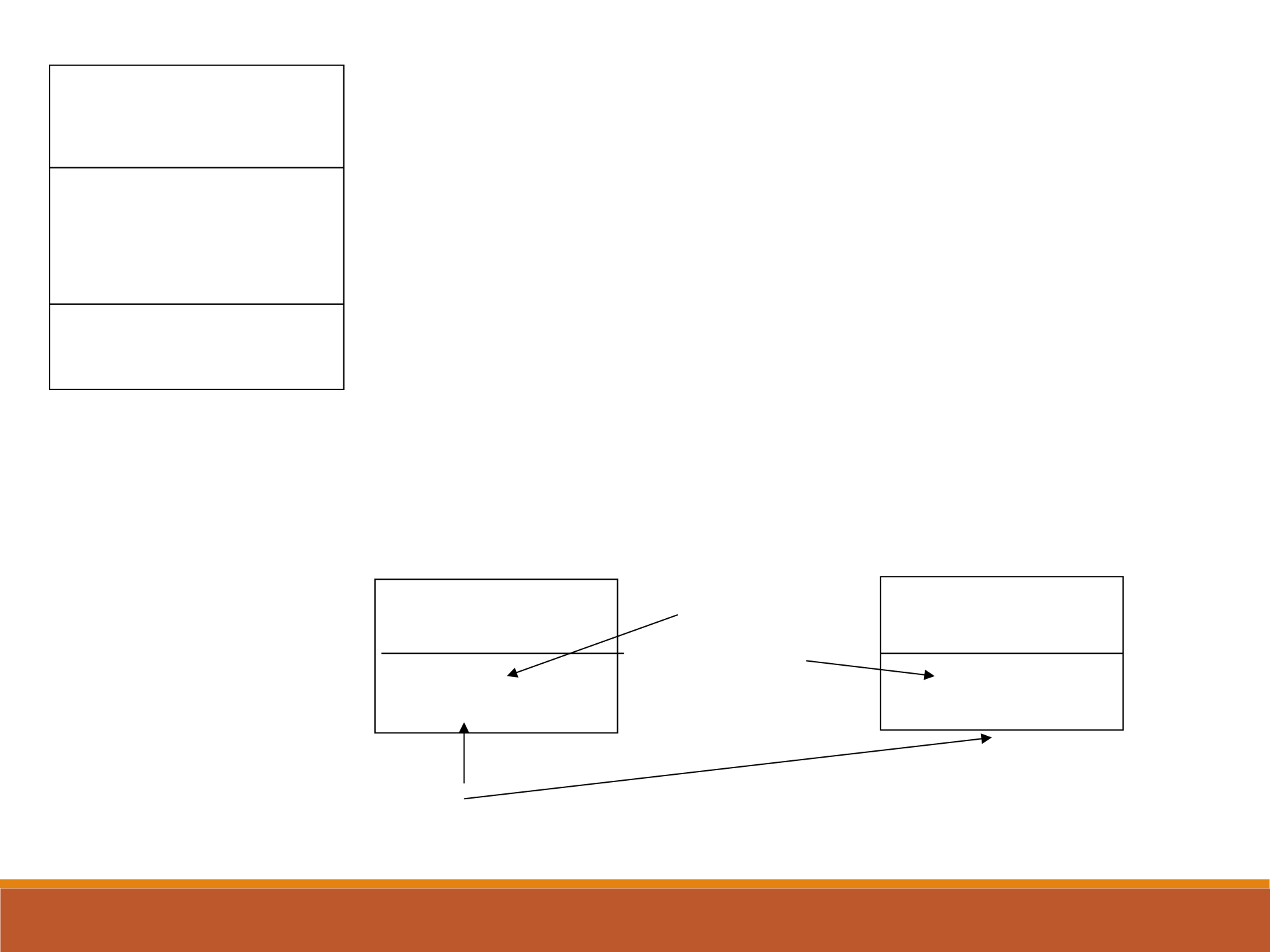
29
Coin
-face:int
-count: static int
+flip()
Class
coin1:Coin
face=0
count=2
coin2:Coin
face=1
count=2
coin1 and coin2 are instances of class Coin.
They must have the same value because count is static
Non static variable
can have different
values

30
Drive class/program (Test class/program) contains
a main method.
public class Example1
{
public static void main(String[] args)
{
Customer customer1; // declaration
customer1 = new Customer(); // instantiation
customer1.setCustId(12345);
System.out.println(customer1.getCustId());
Customer customer2 = new Customer();
System.out.println(customer2.getCustId());
}
}
public class Customer
{
private int custId;
private double balance;
public Customer() // first constructor
{
custId = 0;
balance = 0.0;
}
public void setCustId(int id) // mutator method
{
custId = id;
}
public int getCustId() // accessor method
{
return custId;
}
} // end of the class Customer
Customer.java
We can create other classes besides the class that contains
a main method.

31
Drive class/program (Test class/program) contains
a main method.
Example1.java
public class Example1
{
public static void main(String[] args)
{
Customer customer1; // declaration
customer1 = new Customer(); // instantiation
customer1.setBalance(1000.0);
System.out.println(customer1.getCustId());
Customer customer2 = new Customer(2, 500.0);
System.out.println(customer2.getBalance());
}
}
The Example1 class created an object of Customer.
public class Customer
{
private int custId;
private double balance;
public Customer() // first constructor
{
custId = 0;
balance = 0.0;
}
//second constructor
public Customer(int id, double balance)
{
custId = id;
this.balance = balance; // this reference is used to distinguish
// instance variable and local variable
}
public void setCustId(int id) // mutator method
{
custId = id;
}
public int getCustId() // accessor method
{
return custId;
}
public void setBalance(double balance2) // mutator method
{
balance = balance2;
}
public double getBalance() // accessor method
{
return balance;
}
public String toString()
{
String result = "CustomerId: " + custId
+ "\nBalance: " + balance;
return result;
}
} // end of the class Customer
Example1 Customer
Creates
an object
Customer.java

