


Interfaces)
GUI
(Graphical User
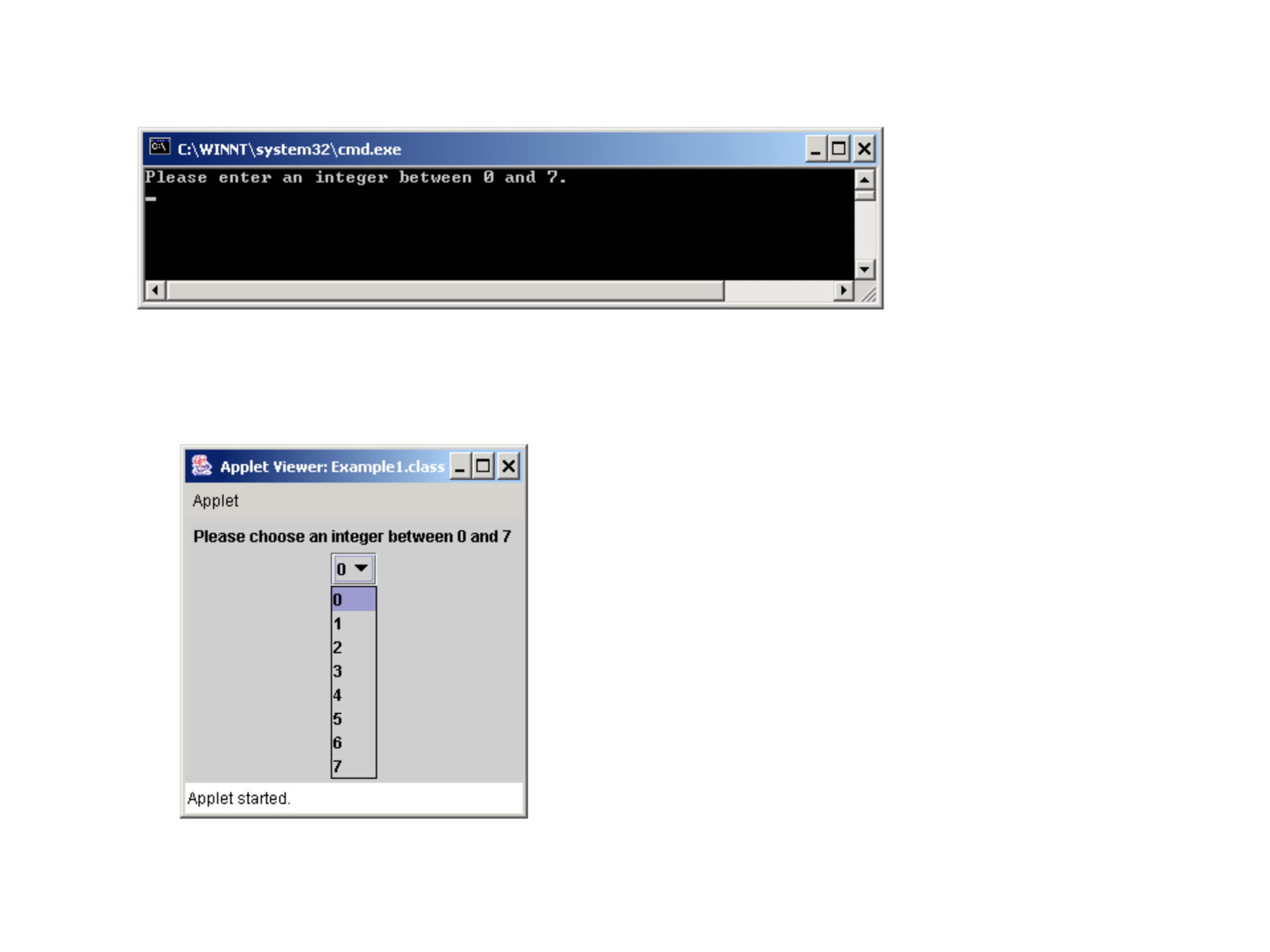
Taking a user input using a console (a user might enter an invalid input such as a number out of
Range or a string containing non-digit characters):
Taking a user input using Applet (a user is forced to choose among 0 through 7):

Making a Java program to generate a GUI is accomplished by using pre-defined classes
in packages such as javax.swing and java.awt.
Swing is a comprehensive solution to developing graphical use interfaces.
There are more than 250 classes.
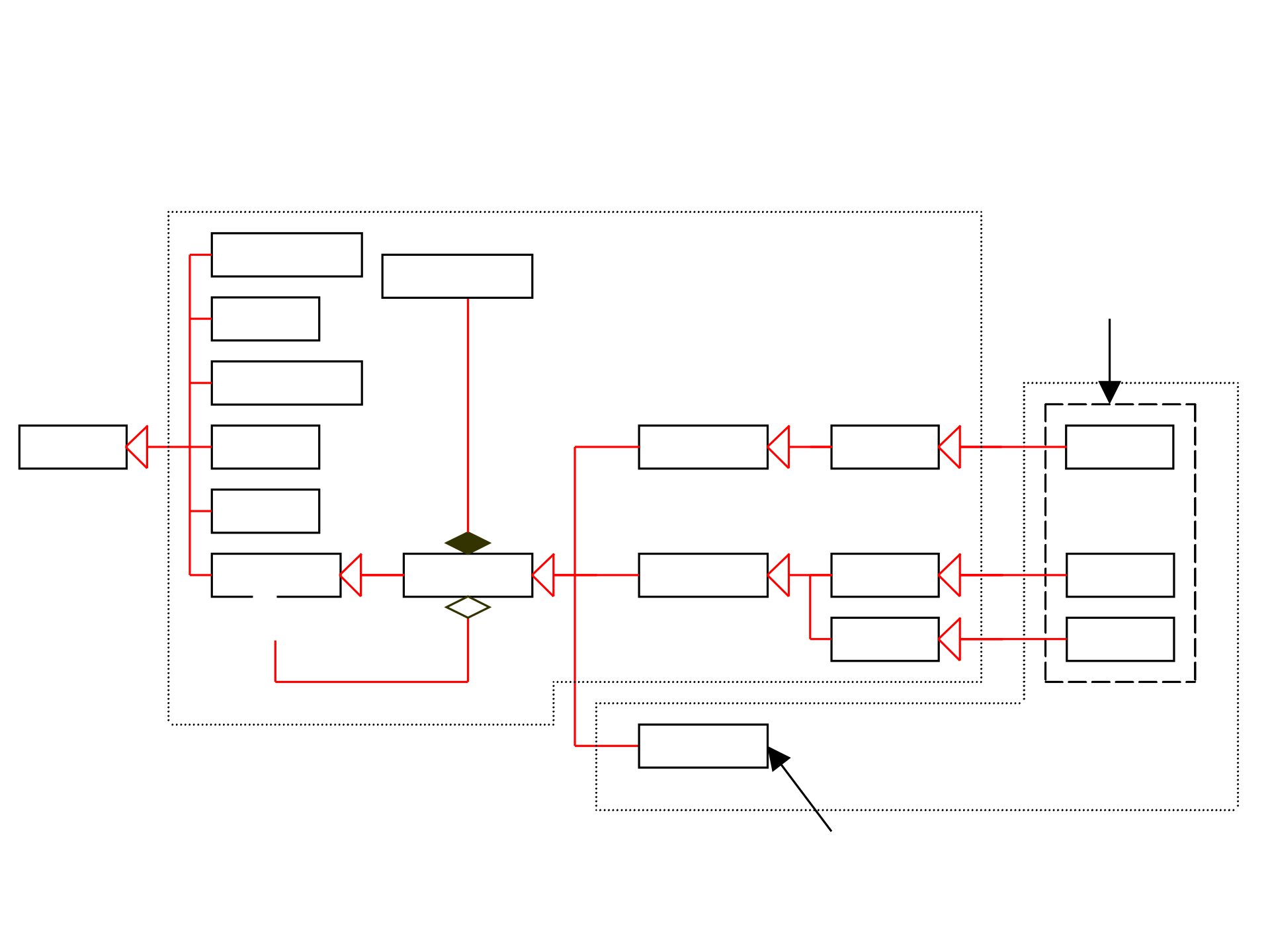
GUI Class Hierarchy (Swing)
Dimension
Font
FontMetrics
Component
Graphics
Object
Color
Container
Panel
Applet
Frame
Dialog
Window
JComponent
JApplet
JFrame
JDialog
Swing Components
in the javax.swing package
Lightweight
Heavyweight
Classes in the java.awt
package
1
LayoutManager
*

JFrame, JApplet, and JDialog are heavy weight container classes that can be displayed alone and
are used to contain other components.
JFrame: the container that holds other Swing user-interface components in Java Graphical applications.
It can be used in a Java program with a main method (Applications).
JApplet: It is a subclass of the Applet class. Applet is defined in java.applet package and
JApplet is defined in javax.swing package. You need to create a class that extends
JApplet to create a Swing based Java applet. Such class will not contain a main method.
Instead it contains applet purpose methods such as init(), start(), stop(), and destroy(). The
applet will be displayed with a html file or appletviewer.
(see appendix G in your book – pages825-840)
JDialog/JOptionPane: a popup window or message box generally used as a temporary window to
receive information from a user or provide notification that an event has occurred.
A dialog box is a temporary graphical window that pops up. (pages 304-306)
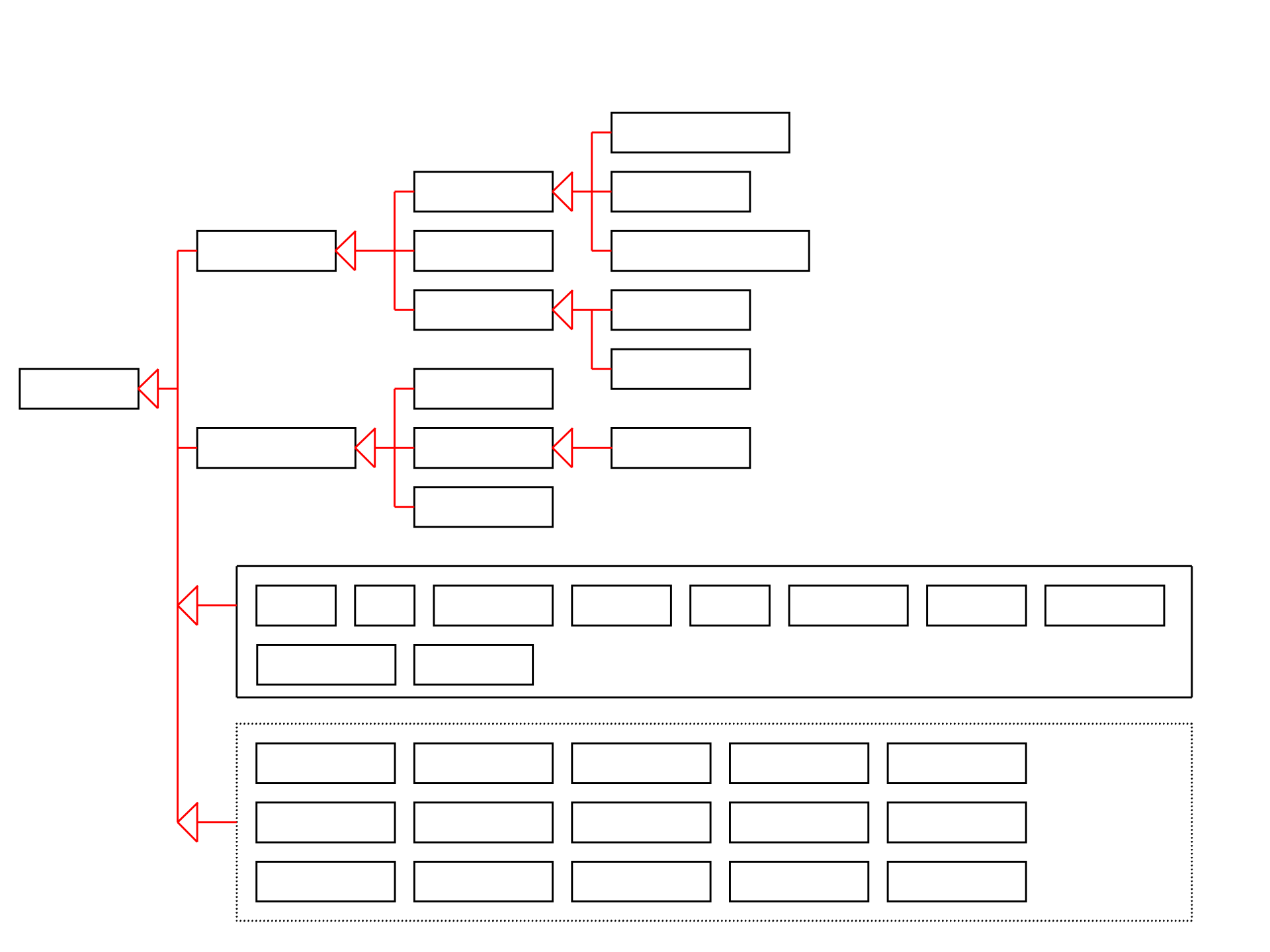
JComponent
.
JButton
JMenuItem
JCheckBoxMenuItem
AbstractButton
JComponent
JMenu
JRadioButtonMenuItem
JToggleButton
JCheckBox
JRadioButton
JComboBox
JInternalFrame
JLayeredPane
JList
JMenuBar
JOptionPane
JPopupMenu
JProgressBar
JPane
JFileChooser
JScrollBar
JScrollPane
JSeparator
JSplitPane
JSlider
JTabbedPane
JTable
JTableHeader
JTextField
JTextComponent
JEditorPane
JTextArea
JToolBar
JToolTip
JTree
JRootPane
JPanel
JPasswordField
JColorChooser
JLabel
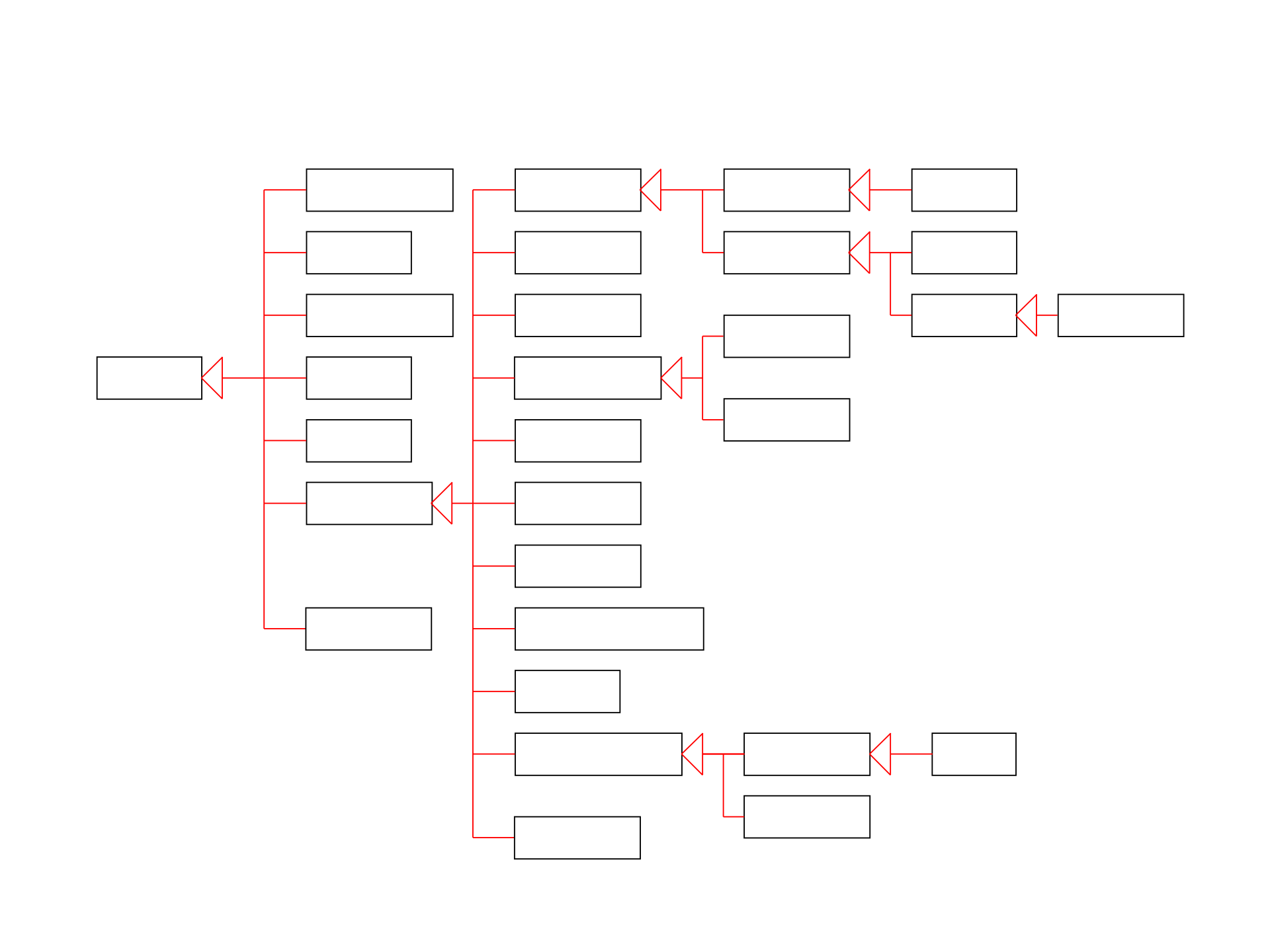
AWT package
AWTEvent
Font
FontMetrics
Component
Graphics
Object
Color
Canvas
Button
TextComponent
Label
List
CheckBoxGroup
CheckBox
Choice
Container
Panel
Applet
Frame
Dialog
FileDialog
Window
TextField
TextArea
MenuComponent
MenuItem
MenuBar
Menu
Scrollbar
LayoutManager
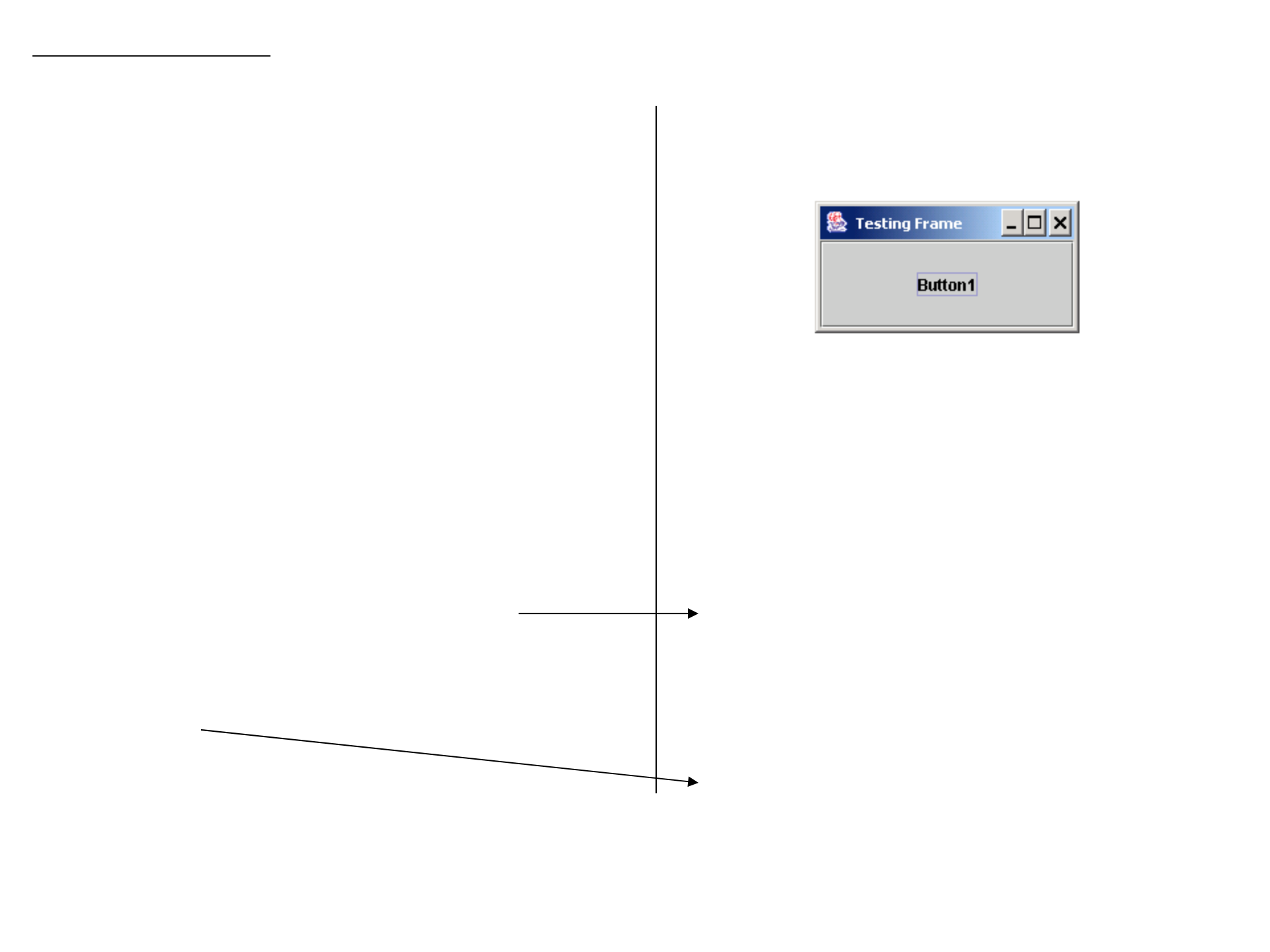
An Example of JFrame:
import javax.swing.*; // to use JFrame and JButton
import java.awt.Container;
public class Frame1
{
public static void main(String[] args)
{
// create a JFrame object
JFrame frame = new JFrame("Testing Frame");
// when a user click the close button at the upper left corner,
// the window will close and the program will be terminated
frame.setDefaultCloseOperation(JFrame.EXIT_ON_CLOSE);
// create a button
JButton button1 = new JButton("Button1");
// add the button to the content pane of the JFrame object
Container content = frame.getContentPane();
content.add(button1);
frame.setSize(200, 100); // width is 200 pixels, height is 100 pixels
frame.setVisible(true); // make this JFrame object visible
}
}
Compiling and executing the Java program on the left
will pop the following window. It contains a button in it.
These two lines can be done in one line as:
frame.getContentPane().add(button1);
as it is seen in the textbook.
Instead we can also do
frame.show();
as they do in the textbook.

Applets
An applet is executed by Web browser so some methods are specifically designed with this concept in mind.
public void init() – Initializes the applet. Called just after the applet is loaded.
public void start() – Starts the applet. Called just after the applet is made active (every time the web page is visited).
public void stop() – Stops the applet. Called just after the applet is made inactive
(when the page containing the applet becomes inactive).
public void destroy() – Destroys the applet. Called when the browser is exited.
Also, the default constructor can be created to be called by the browser when the Web page containing this applet is initially loaded or re-loaded.
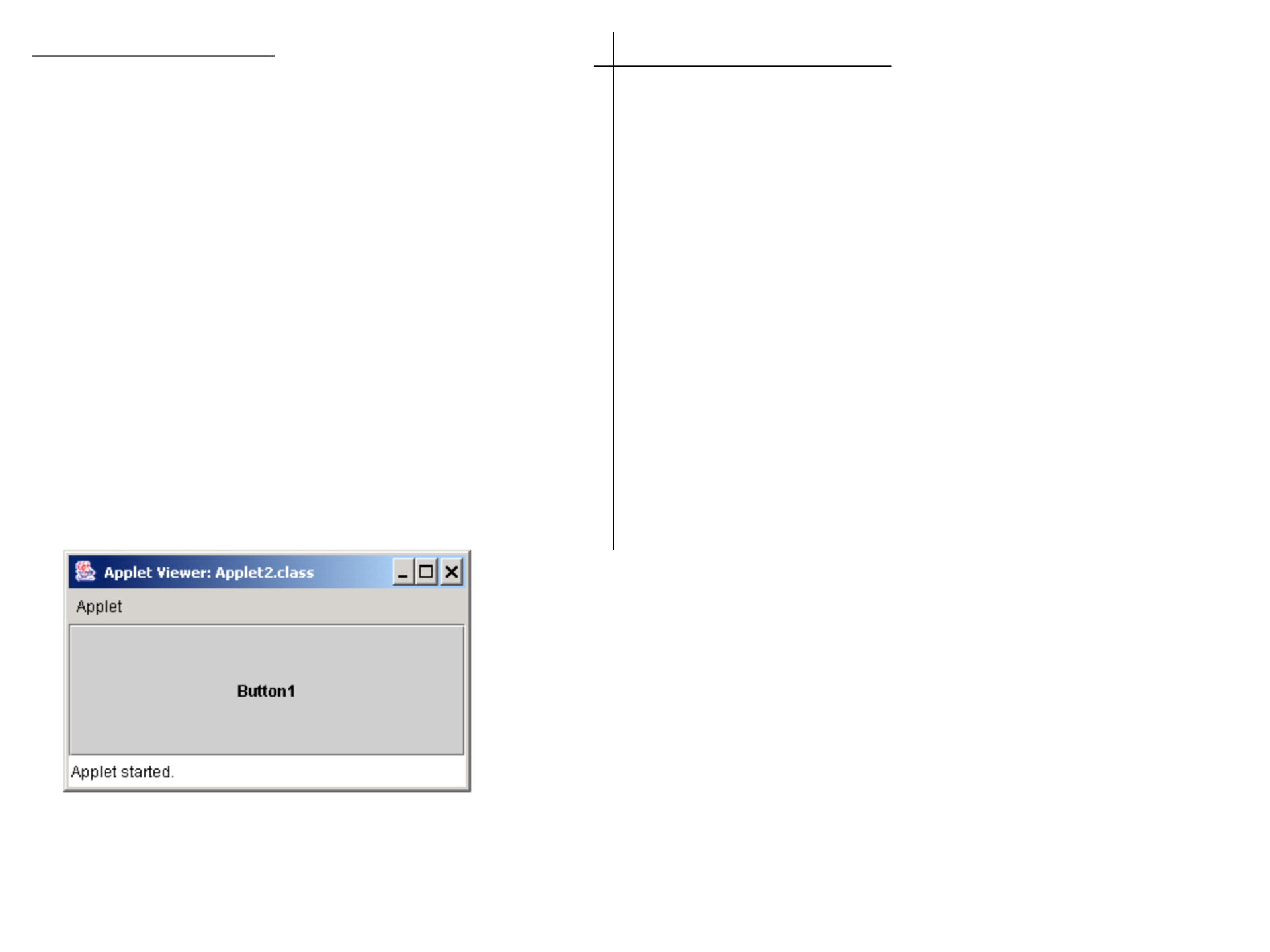
An Example of JApplet:
import javax.swing.*; // to use JApplet and JButton
public class Applet2 extends JApplet
{
public void init()
{
// create a button
JButton button1 = new JButton("Button1");
// add the button to the content pane of this applet
getContentPane().add(button1);
// set its width to 300 pixels and the height to 100 pixels
setSize(300, 100);
}
}
How to execute an applet program:
1. This class can be compiled as usual:
javac Applet2.java
2. Create an html file, say “Applet2.html”, with the following content
_________________________________________
<HTML>
<HEAD>
<TITLE>Applet 2</TITLE>
</HEAD>
<BODY>
<applet code="Applet2.class" width=300 height=100>
</applet>
</BODY>
</HTML>
----------------------------------------------
3. You can view this html file using a web browser such as IE or
Netscape.
You can also use appletviewer.
In a console, type
appletviewer Applet2.html
-In the TextPad, choose Tool, then choose “Run Java Applet” or
press Ctrl-3 (press control key and 3 at the same time).
-In the jGrasp,
choose Run, then choose “Run as Applet”.

-A Java application is a stand-alone program with a main method.
-A Java applet is a program that is intended for the Web and executed using a web browser.
Similarities
–Since they both are subclasses of the Container class, all the user interface components,
layout managers, and event-handling features are the same for both classes.
Differences
–Applications are invoked by the Java interpreter, and applets are invoked by the Web browser.
–Applets have security restrictions
–Web browser creates graphical environment for applets, GUI applications are placed in a frame.
Security Restrictions on Applets (not to damage the system on which the browser is running):
-Applets are not allowed to read from, or write to, the file system of the computer viewing the applets.
(Note that a new security protocol allows you to use a security policy file to grant applets access to local files.)
-Applets are not allowed to run any programs on the browser’s computer.
-Applets are not allowed to establish connections between the user’s computer and another computer
except with the server where the applets are stored.
Applications (using JFrame) vs. Applets (JApplet)
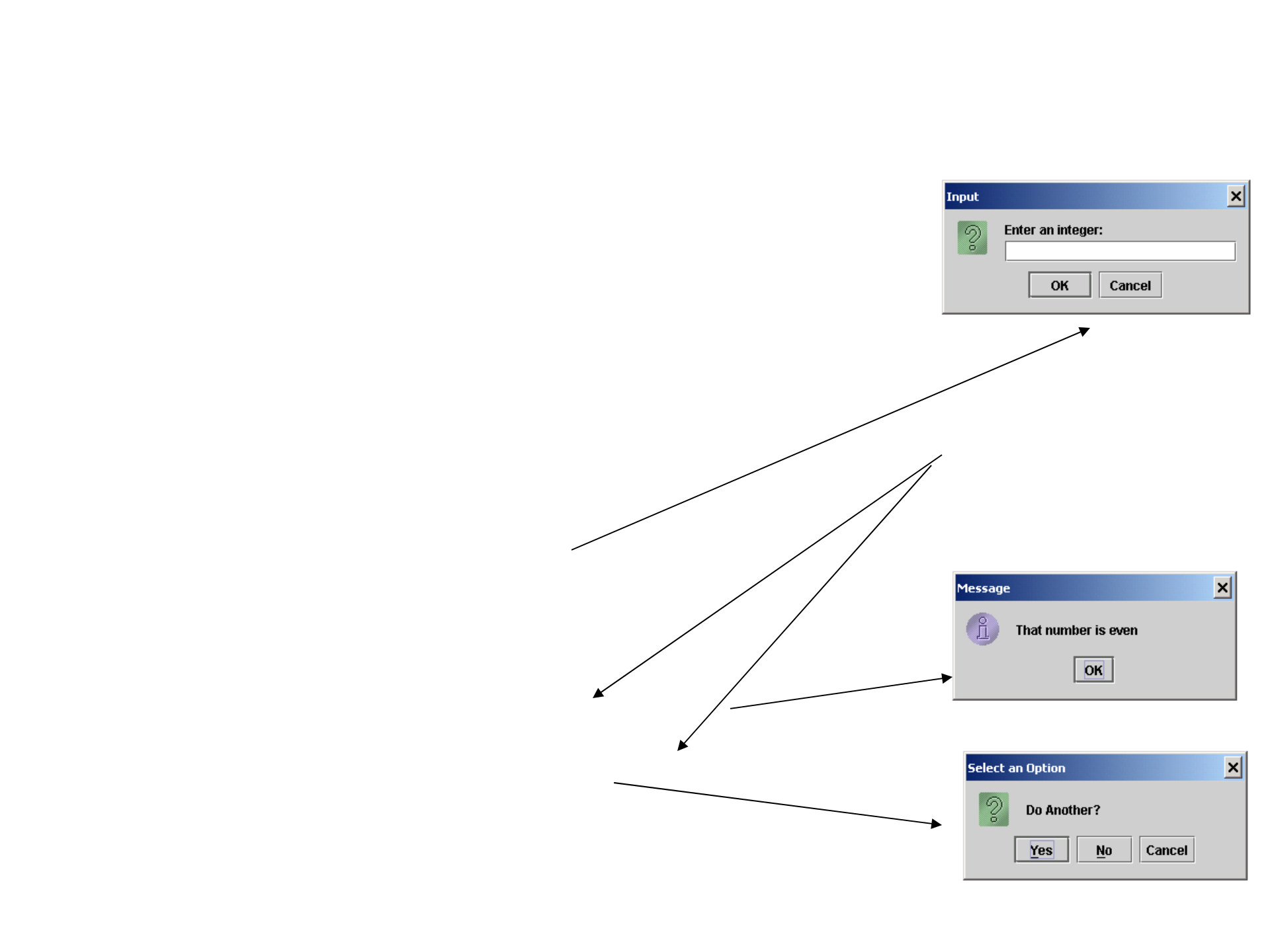
An Example of JOptionPane: -- JOptionPane has several static methods that pop up a temporary window.
//********************************************************************
// EvenOdd.java
// Demonstrates the use of the JOptionPane class.
//********************************************************************
import javax.swing.JOptionPane;
public class EvenOdd
{
//-----------------------------------------------------------------
// Determines if the value input by the user is even or odd.
//-----------------------------------------------------------------
public static void main (String[] args)
{
String numStr, result;
int num, again;
do
{
numStr = JOptionPane.showInputDialog ("Enter an integer: ");
num = Integer.parseInt(numStr);
result = "That number is " + ((num%2 == 0) ? "even" : "odd");
JOptionPane.showMessageDialog (null, result);
again = JOptionPane.showConfirmDialog (null, "Do Another?");
}
while (again == JOptionPane.YES_OPTION);
}
}
The parent component in which
the dialog is displayed. Here
the dialog pops independently.

