


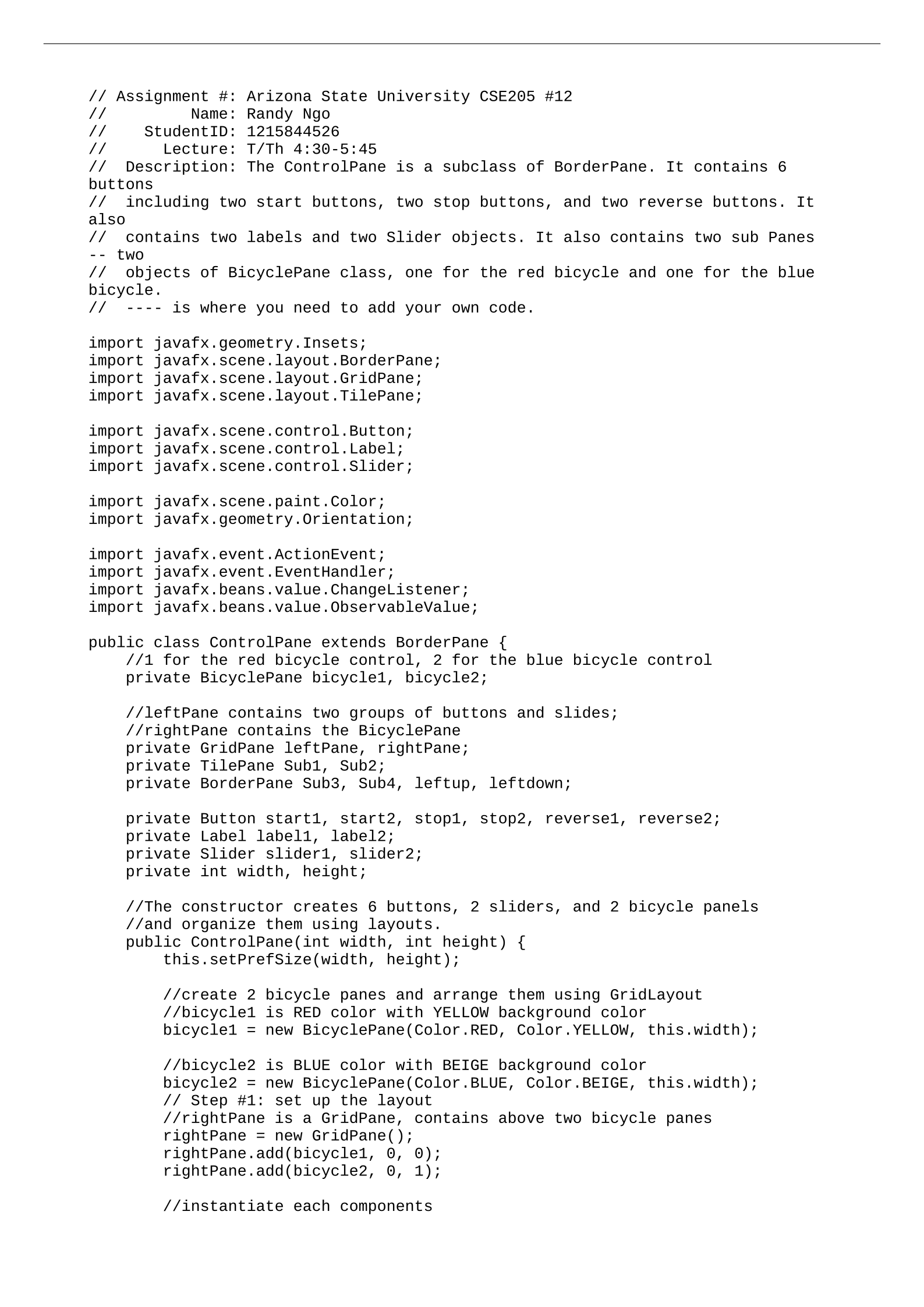
// Assignment #: Arizona State University CSE205 #12
// Name: Randy Ngo
// StudentID: 1215844526
// Lecture: T/Th 4:30-5:45
// Description: The ControlPane is a subclass of BorderPane. It contains 6
buttons
// including two start buttons, two stop buttons, and two reverse buttons. It
also
// contains two labels and two Slider objects. It also contains two sub Panes
-- two
// objects of BicyclePane class, one for the red bicycle and one for the blue
bicycle.
// ---- is where you need to add your own code.
import javafx.geometry.Insets;
import javafx.scene.layout.BorderPane;
import javafx.scene.layout.GridPane;
import javafx.scene.layout.TilePane;
import javafx.scene.control.Button;
import javafx.scene.control.Label;
import javafx.scene.control.Slider;
import javafx.scene.paint.Color;
import javafx.geometry.Orientation;
import javafx.event.ActionEvent;
import javafx.event.EventHandler;
import javafx.beans.value.ChangeListener;
import javafx.beans.value.ObservableValue;
public class ControlPane extends BorderPane {
//1 for the red bicycle control, 2 for the blue bicycle control
private BicyclePane bicycle1, bicycle2;
//leftPane contains two groups of buttons and slides;
//rightPane contains the BicyclePane
private GridPane leftPane, rightPane;
private TilePane Sub1, Sub2;
private BorderPane Sub3, Sub4, leftup, leftdown;
private Button start1, start2, stop1, stop2, reverse1, reverse2;
private Label label1, label2;
private Slider slider1, slider2;
private int width, height;
//The constructor creates 6 buttons, 2 sliders, and 2 bicycle panels
//and organize them using layouts.
public ControlPane(int width, int height) {
this.setPrefSize(width, height);
//create 2 bicycle panes and arrange them using GridLayout
//bicycle1 is RED color with YELLOW background color
bicycle1 = new BicyclePane(Color.RED, Color.YELLOW, this.width);
//bicycle2 is BLUE color with BEIGE background color
bicycle2 = new BicyclePane(Color.BLUE, Color.BEIGE, this.width);
// Step #1: set up the layout
//rightPane is a GridPane, contains above two bicycle panes
rightPane = new GridPane();
rightPane.add(bicycle1, 0, 0);
rightPane.add(bicycle2, 0, 1);
//instantiate each components
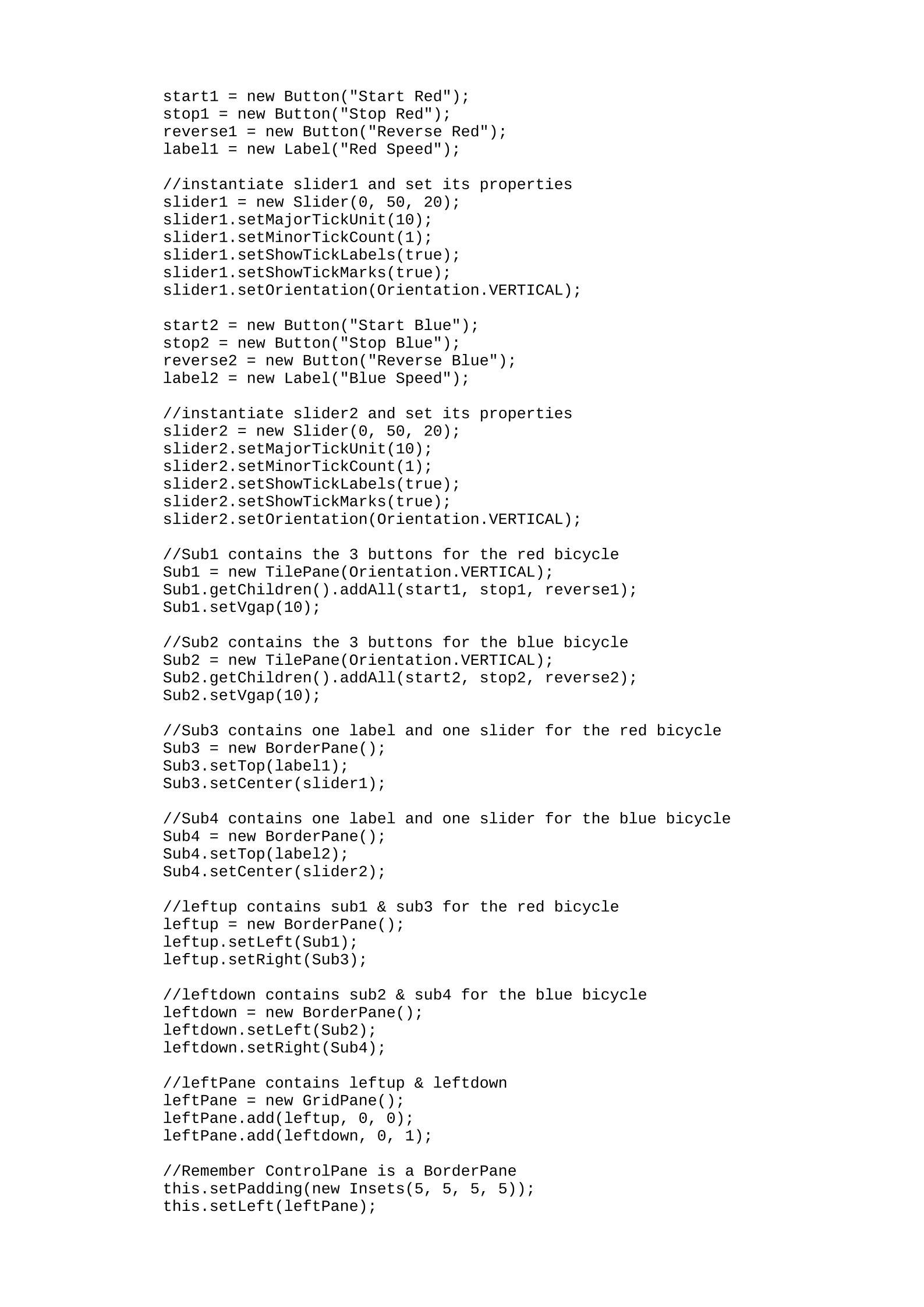
start1 = new Button("Start Red");
stop1 = new Button("Stop Red");
reverse1 = new Button("Reverse Red");
label1 = new Label("Red Speed");
//instantiate slider1 and set its properties
slider1 = new Slider(0, 50, 20);
slider1.setMajorTickUnit(10);
slider1.setMinorTickCount(1);
slider1.setShowTickLabels(true);
slider1.setShowTickMarks(true);
slider1.setOrientation(Orientation.VERTICAL);
start2 = new Button("Start Blue");
stop2 = new Button("Stop Blue");
reverse2 = new Button("Reverse Blue");
label2 = new Label("Blue Speed");
//instantiate slider2 and set its properties
slider2 = new Slider(0, 50, 20);
slider2.setMajorTickUnit(10);
slider2.setMinorTickCount(1);
slider2.setShowTickLabels(true);
slider2.setShowTickMarks(true);
slider2.setOrientation(Orientation.VERTICAL);
//Sub1 contains the 3 buttons for the red bicycle
Sub1 = new TilePane(Orientation.VERTICAL);
Sub1.getChildren().addAll(start1, stop1, reverse1);
Sub1.setVgap(10);
//Sub2 contains the 3 buttons for the blue bicycle
Sub2 = new TilePane(Orientation.VERTICAL);
Sub2.getChildren().addAll(start2, stop2, reverse2);
Sub2.setVgap(10);
//Sub3 contains one label and one slider for the red bicycle
Sub3 = new BorderPane();
Sub3.setTop(label1);
Sub3.setCenter(slider1);
//Sub4 contains one label and one slider for the blue bicycle
Sub4 = new BorderPane();
Sub4.setTop(label2);
Sub4.setCenter(slider2);
//leftup contains sub1 & sub3 for the red bicycle
leftup = new BorderPane();
leftup.setLeft(Sub1);
leftup.setRight(Sub3);
//leftdown contains sub2 & sub4 for the blue bicycle
leftdown = new BorderPane();
leftdown.setLeft(Sub2);
leftdown.setRight(Sub4);
//leftPane contains leftup & leftdown
leftPane = new GridPane();
leftPane.add(leftup, 0, 0);
leftPane.add(leftdown, 0, 1);
//Remember ControlPane is a BorderPane
this.setPadding(new Insets(5, 5, 5, 5));
this.setLeft(leftPane);
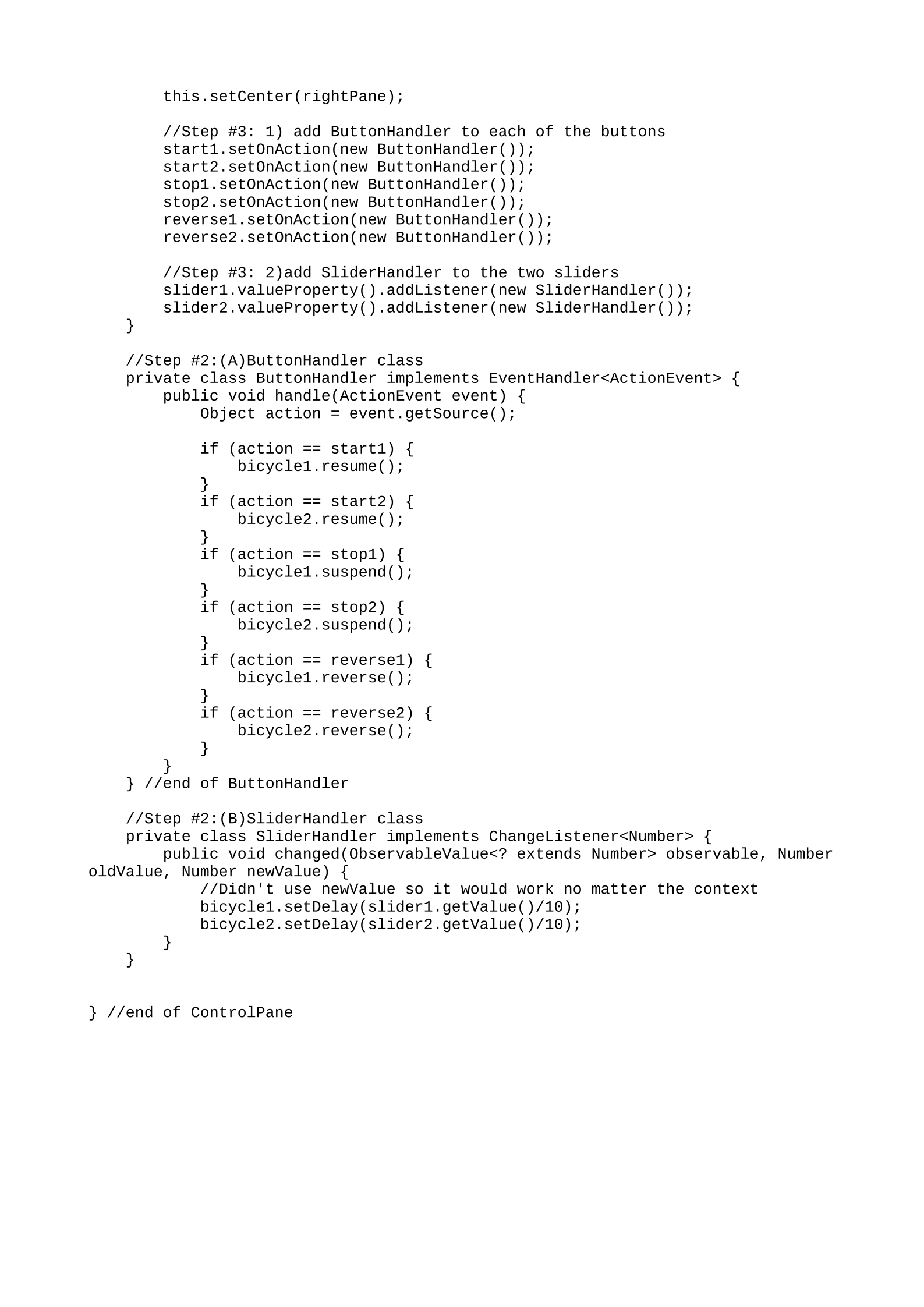
this.setCenter(rightPane);
//Step #3: 1) add ButtonHandler to each of the buttons
start1.setOnAction(new ButtonHandler());
start2.setOnAction(new ButtonHandler());
stop1.setOnAction(new ButtonHandler());
stop2.setOnAction(new ButtonHandler());
reverse1.setOnAction(new ButtonHandler());
reverse2.setOnAction(new ButtonHandler());
//Step #3: 2)add SliderHandler to the two sliders
slider1.valueProperty().addListener(new SliderHandler());
slider2.valueProperty().addListener(new SliderHandler());
}
//Step #2:(A)ButtonHandler class
private class ButtonHandler implements EventHandler<ActionEvent> {
public void handle(ActionEvent event) {
Object action = event.getSource();
if (action == start1) {
bicycle1.resume();
}
if (action == start2) {
bicycle2.resume();
}
if (action == stop1) {
bicycle1.suspend();
}
if (action == stop2) {
bicycle2.suspend();
}
if (action == reverse1) {
bicycle1.reverse();
}
if (action == reverse2) {
bicycle2.reverse();
}
}
} //end of ButtonHandler
//Step #2:(B)SliderHandler class
private class SliderHandler implements ChangeListener<Number> {
public void changed(ObservableValue<? extends Number> observable, Number
oldValue, Number newValue) {
//Didn't use newValue so it would work no matter the context
bicycle1.setDelay(slider1.getValue()/10);
bicycle2.setDelay(slider2.getValue()/10);
}
}
} //end of ControlPane
Powered by TCPDF (www.tcpdf.org)

