


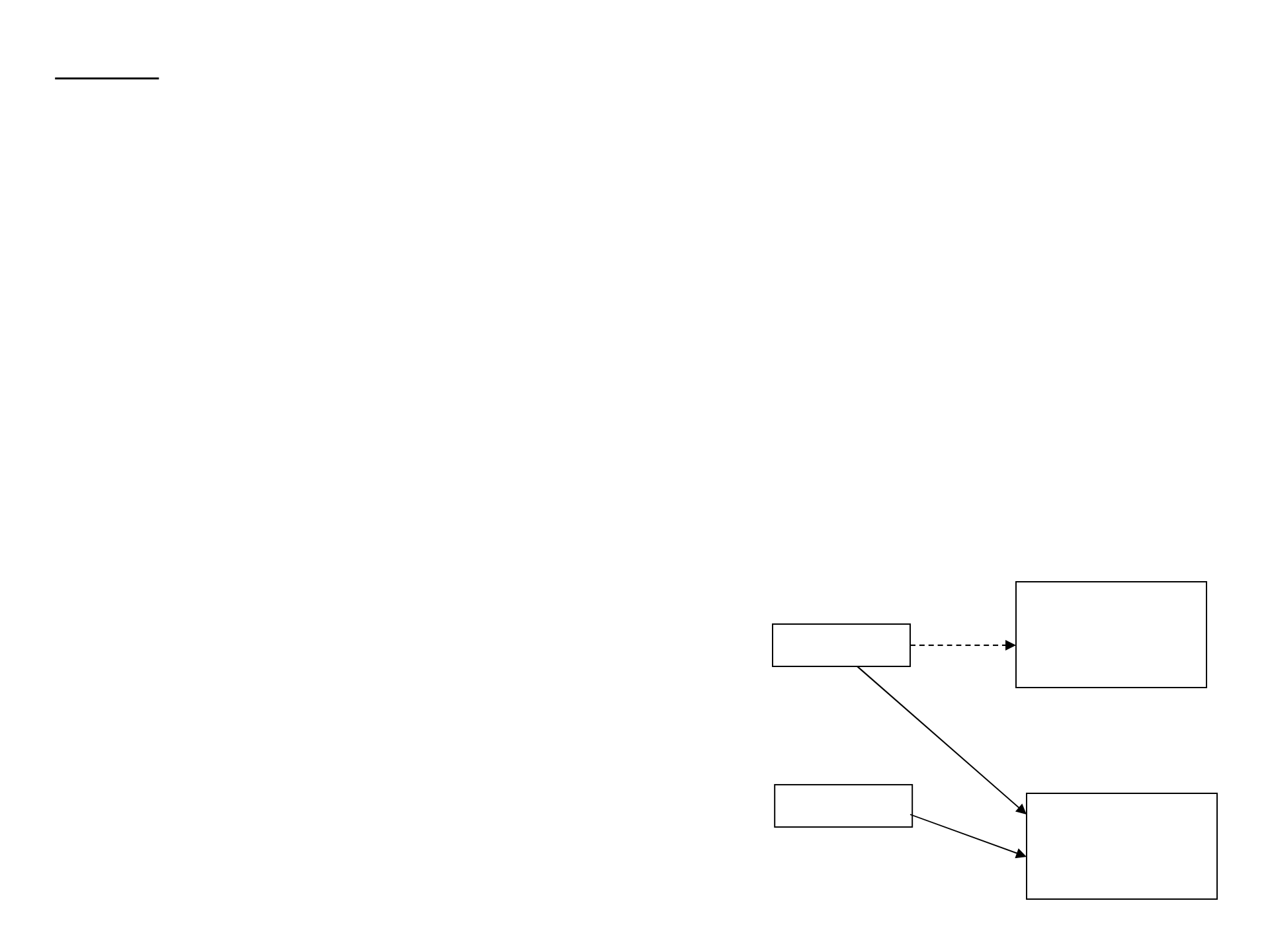
When two objects share a same address, we say that they are aliases of each other.
Example:
Student student1 = new Student();
Student student2 = new Student();
student1 = student2; // making them aliases of each other
When we make an assignment such as above for two objects, the address of student2 is copied to
the address of student1, and they become aliases. After this assignment, if we make any value change
to instance data of one object, the change is also seen in the other object that is an alias of the object
that we made a change.
So if we do:
student2.setLastName(“Smith”);
Then the object student1 will also have the last name “Smith”.
student1
student2
address1
address2
before
After becoming
aliases.
Aliases

Passing objects as parameters
When an object (not primitive data) is passed as a parameter for a method, say method1,
its address is passed. Thus if we make any value changes to instance data of the object in method1,
those changes will be reflected in the object in the method from where method1 was called.
Example:
public class ParameterPassing
{
public static void main (String[] args)
{
ParameterTester tester = new ParameterTester();
int a1 = 111;
Num a2 = new Num (222);
Num a3 = new Num (333);
tester.changeValues (a1, a2, a3);
}
}
public class ParameterTester
{
public void changeValues (int f1, Num f2, Num f3)
{
f1 = 999;
f2.setValue(888);
f3 = new Num (777);
}
}

public class Num
{
private int num;
public Num(int number)
{
num = number;
}
public void setValue(int number)
{
num = number;
}
}

Since a1 is a primitive data, any change that was made to f1 in the method changeValues does not
affects a1. The object a2 was assigned to the value “222” and when a2 was passed to changeValues
method, a2 and f2 became aliases, so the change made to f2 will be seen in a2 in the main method.
The object a3 was assigned to the value “333” and when a3 was passed to changeValues method,
a3 and f3 became aliases. However when f3 was re-instantiated with the reserved word “new”,
f3 is given a different address from the one a3 has, thus any change made to f3 after that point will not
affect a3 in the main method.

Nested/Inner Classes
A class can be defined inside of another class and it is called a “nested class” (or an “inner” class).
In general, a nested class is defined with “private” visibility so that it can be accessed only by the class
containing it. A nested class can access all instance data and methods of the class containing it.
-- A nested class produces a separate bytecode file.
-- If a nested class called Inside is declared in an outer class called Outside,
two bytecode files will be produced:
Outside.class
Outside$Inside.class
public class Outside
{
private int num;
private Inside obj;
…..
private class Inside
{
private double num2;
….
}
}
Enclosing Class
Nested
Class

Interfaces
A Java interface is a collection of abstract methods and constants.
An abstract method is a method header without a method body.
Abstract methods – cannot be final or static (because there is no definition, needs to be changed later)
Example: The following is a definition of the interface Doable
public interface Doable
{
public final int COUNT = 1;
public void doThis(); // abstract method
public int doThat(String name); // abstract method
}
After defining the interface Doable, we can make a class to implement the interface Doable
public class CanDo implements Doable
{
public void doThis()
{ // put some definition for this method
}
public int doThat(String name)
{
// put some definition for this method
}
}
Doable.java
CanDo.java
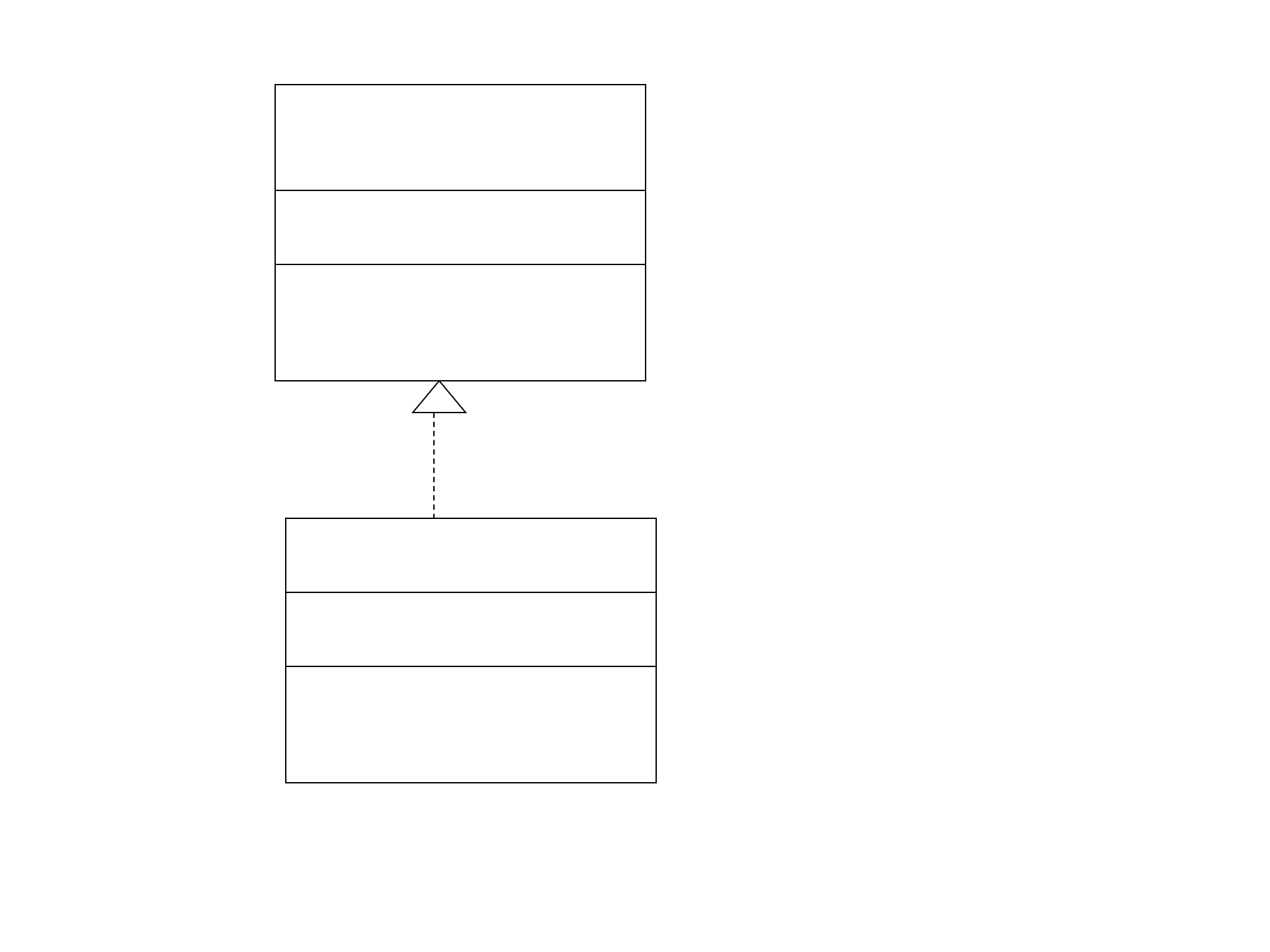
<<interface>>
Doable
+count:int=1
+doThis():void
+doThat(String):int
CanDo
Constants in an interface cannot
be declared with private or protected.

Notes:
-- Interface cannot be instantiated.
-- A class that implements an interface must define a definition for each abstract method of the interface.
Otherwise the class should be declared as abstract.
-- A class that implements an interface can implements other methods as well.
-- A class can implement multiple interfaces using commas between the interface names.
public class Class1 implements Interface1, Interface2, Interface3
{
// some content
}
Note that these interfaces cannot have a same constant name with different types or
a same method name with a same signature with different return types.

The Comparable interface
The Comparable interface is defined in the java.lang package and it contains only one
method, compareTo, which takes an object as a parameter and returns an integer. Any class
that implements the Comparable interface needs to define compareTo method and
their instantiated objects become something that can be compared.
// Person.java
// Represents a Person.
public class Person implements Comparable
{
private String firstName, lastName, phone;
// Sets up this Person with the specified information.
public Person (String first, String last, String telephone)
{
firstName = first;
lastName = last;
phone = telephone;
}
// Uses both last and first names to determine lexical ordering.
public int compareTo (Object other)
{
int result;
if (lastName.equals(((Person)other).lastName))
result = firstName.compareTo(((Person)other).firstName);
else
result = lastName.compareTo(((Person)other).lastName);
return result;
}
}

A polymorphic reference
is a reference variable that can refer to different types of objects at different points in time.
Polymorphic references are resolved at run-time, not during compilation.
Example:
public interface Speaker
{
public void speak();
}
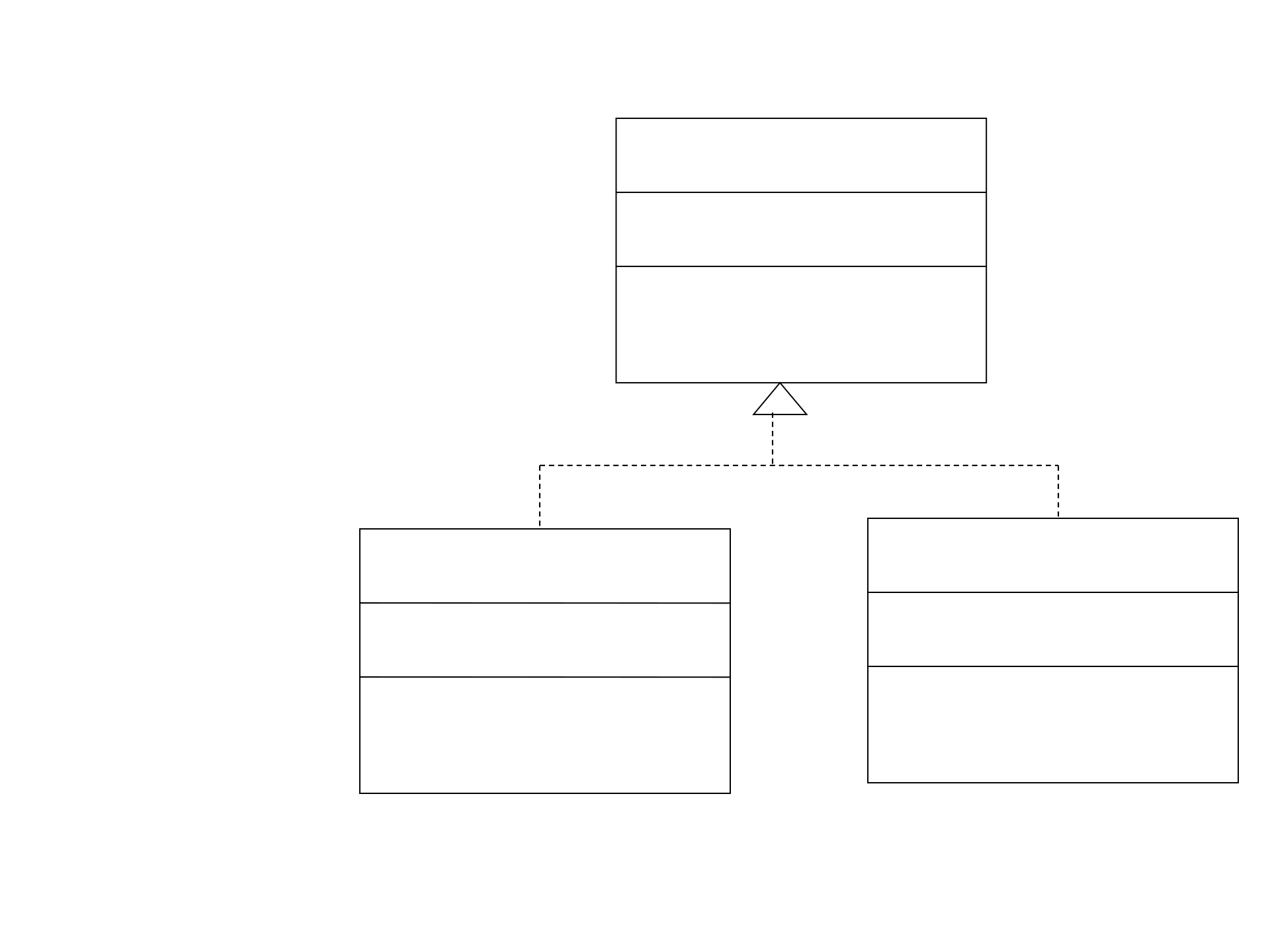
And suppose that the class Person implements Speaker and the class Dog implements Speaker.
Speaker guest;
guest = new Person(); // valid
guest.speak(); // calls speak method of the class Person
guest = new Dog(); // valid
guest.speak(); // calls speak method of the class Dog
Interface Hierarchies
(It depends on the type of the object that reference points to at the moment of invocation.)
-The child interface inherits all abstract methods of the parent.
-Class hierarchies and interface hierarchies are distinct (they do not overlap.)
If we add a new method talk() in the class Person, then
guest = new Dog();
guest.talk(); causes a compiler error.
We can do:
guest = new Person();
((Person) guest).talk();
<<interface>>
Speaker
+speak():void
Dog
Person
+talk():void

