



The Color Class
•You need to import the following class in order to use Color:
import javafx.scene.paint.Color;
•A color instance can be constructed using the following constructor.
r, g, b represents red, green and blue color which value is between 0.0 to
1.0.
public Color(double r, double g, double b, double opacity);
For example:
Color color = new Color(0.25, 0.14, 0.333, 0.51);
The Color class is immutable.
Once a Color object is created, its properties cannot be changed.
You can use one of the many standard colors such as
RED, BLUE, BLACK, BROWN, BEIGE,CYAN, DARKGRAY,
GOLD, GRAY, GREEN, LIGHTGRAY, MAGENTA, NAVY,
ORANGE, PINK, RED, SILVER, WHITE, and YELLOW
defined as constants in the Color class.
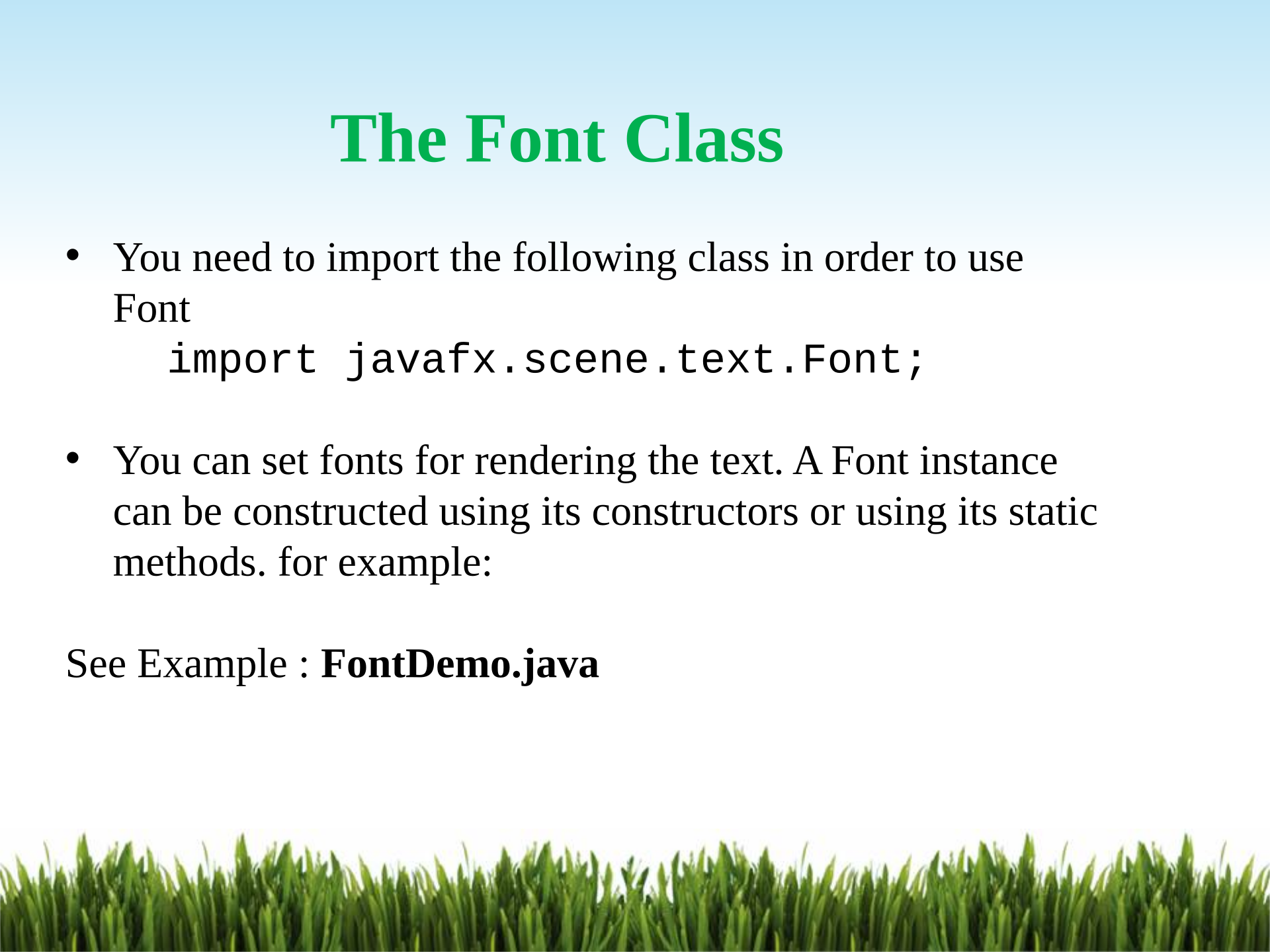
•You need to import the following class in order to use
Font
import javafx.scene.text.Font;
•You can set fonts for rendering the text. A Font instance
can be constructed using its constructors or using its static
methods. for example:
See Example : FontDemo.java
The Font Class
Powered by TCPDF (www.tcpdf.org)

