


USING GIMP 2
 viquar4u
Q3. Download the image from the assignment folder and scale the image to 600 × 400 pixels and change the colour of text in that image.
For each of the questions above, write a report on how each of the image editing task was carried out along with screen shots in a word file. Store the image in each question as .png file and also as a .xcf file (the native GIMP file).
Part-2
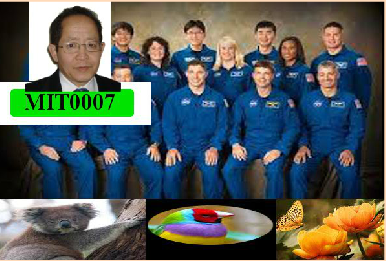
This part requires you to develop a collage using several digital images (5 minimum) which will be sourced by you including your own photo of the size 150 * 150 pixels. To achieve this task please gather images you like (provide a reference if it’s not shot by you). You must include:
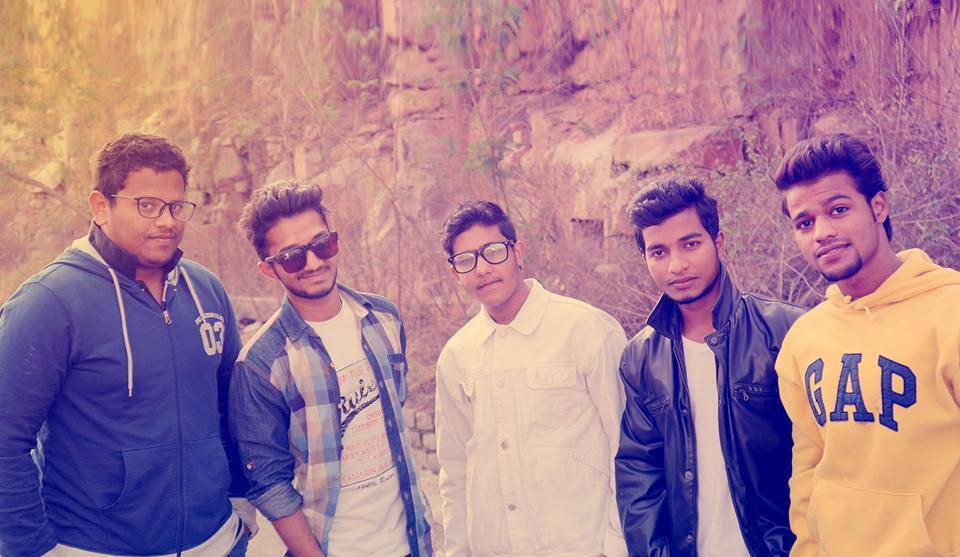
1. A group photo of you and your friends
2. Part of “Australian Flora and Fauna” (e.g. a Koala chewing the gum tree branch)
3. A flower
4. A bird
5. And your own image (collage made from above images) – refer to the sample provided (Assignment1_Collage_Sample.png)
The collage must contain the following features, as illustrated in the sample solution:
1. The collage should be of 600 * 400 pixel (width * height)
2. The collage should have “transparent background” (except the main background – e.g. your hometown)
3. At the top of your collage, place a photo of yourself, and underneath the photo, insert the text “by xxxxxx (your student_ID)”, where xxxxxx is your full name. Use a size that is small enough to be unobtrusive and use italic.
4. For each image in the collage, add a required amount of transparency and feathered effect to avoid sharp borders.
5. You need to submit your collage in two forms – as a .xcf file (GIMP native file), and a .pngconverted from .xcf file.
6. In addition, please rename all the layers (.xcf will contain all the layers) with meaningful names (e.g. “the sunflower”)
6�q�q
 9 years ago
 5
5

Purchase the answer to view it

- account Project
- Venture Concepts Paper
- biography assignment
- Infrastructure and Security
- need help with one question math
- Which of these lines provides important information for the exposition of the play? O Banquo, Banquo!/Our royal master's murder'd! And,...
- Prescribing Policies
- BSHS 438 WEEK 2 LIVING ENVIRONMENT WORKSHEET
- In Treasure Island, why does Stevenson shift the point of view from Jim to the Doctor
- web

