


CSIS 375
COLOR THEORY GUIDELINES ASSIGNMENT INSTRUCTIONS
1. Use the JFL Library and the web to research color theory guidelines for user interface
design.
Color guidelines include; hue, value, and saturation. Hue is the color in its natural state.
Value is the light and darkness amount in the color while saturation is the color intensity.
There must also be harmony between the color. The color combinations must be perfect
in terms of contrasts and harmony.
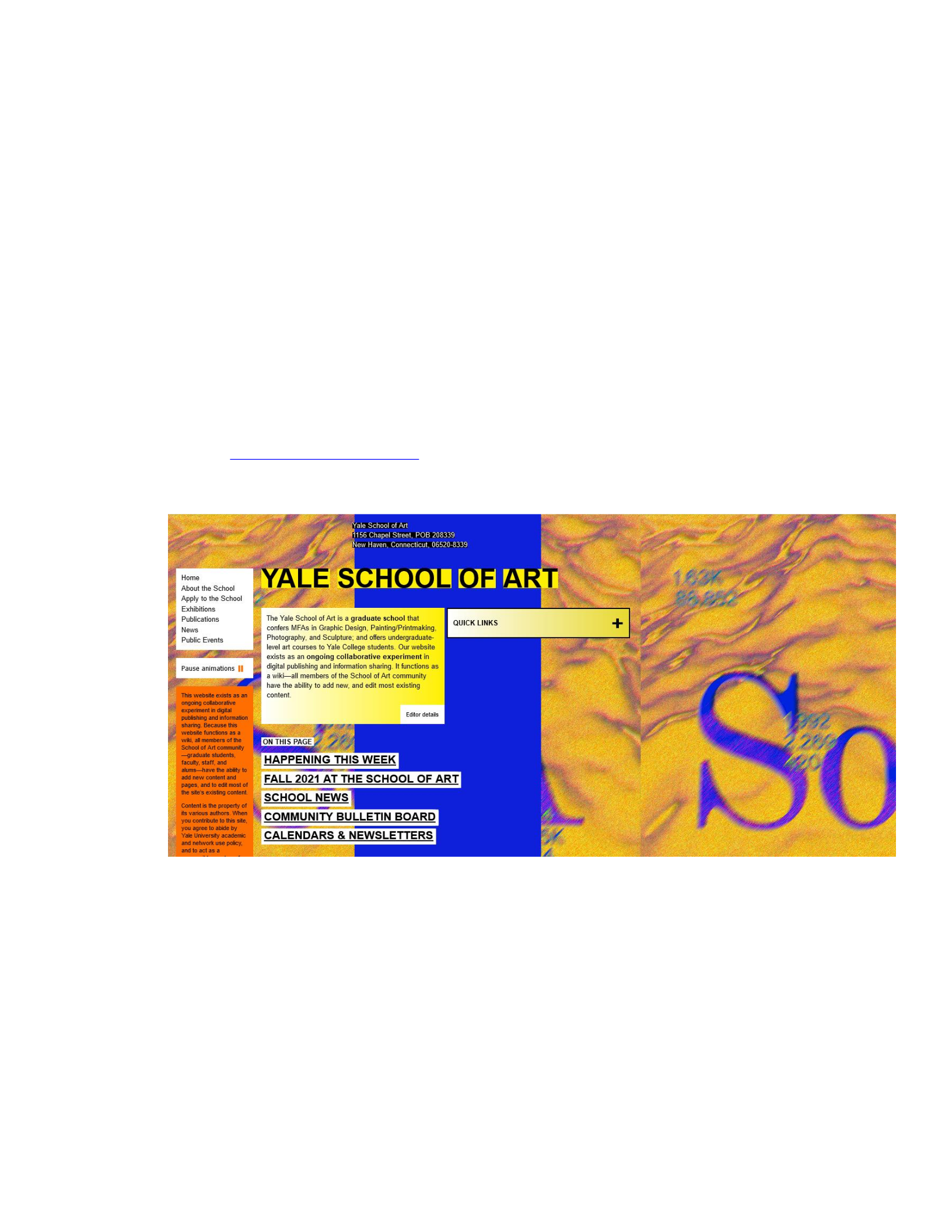
2. Identify one web site or application that violates the use of colors based on your research.
Take a screen shot of its screen and paste it in a Word document. Below the screen shot,
write one or two sentences describing the violation.
Source: https://www.art.yale.edu/
The website denoted by the screenshot above uses to many bright colors which are
inconsistent and not appealing to the eye. The background colors are flashing and cause
distraction to the eye making them sore. The color combination are not perfect in terms of
contrasts and harmony. The color used include bright blue, yellow and orange.

CSIS 375
3. Identify one web site or application that conforms to the use of colors based on your
research. Take a screen shot of its screen and paste it in a Word document. Below the
screen shot, write one or two sentences describing how it conforms to the recommended
use of colors.
Source: https://www.cleverelements.com/
The website denoted by the screenshot above, utilizes a nice amount of color without
taking anything to the extreme. It uses green and blue as the main colors through out the
website with a nice and excellent blue background at the top of the pages.
4. Given the following features below for which you designed a menu system in
Assignment 4, create an icon for each of the items.
CSIS 375
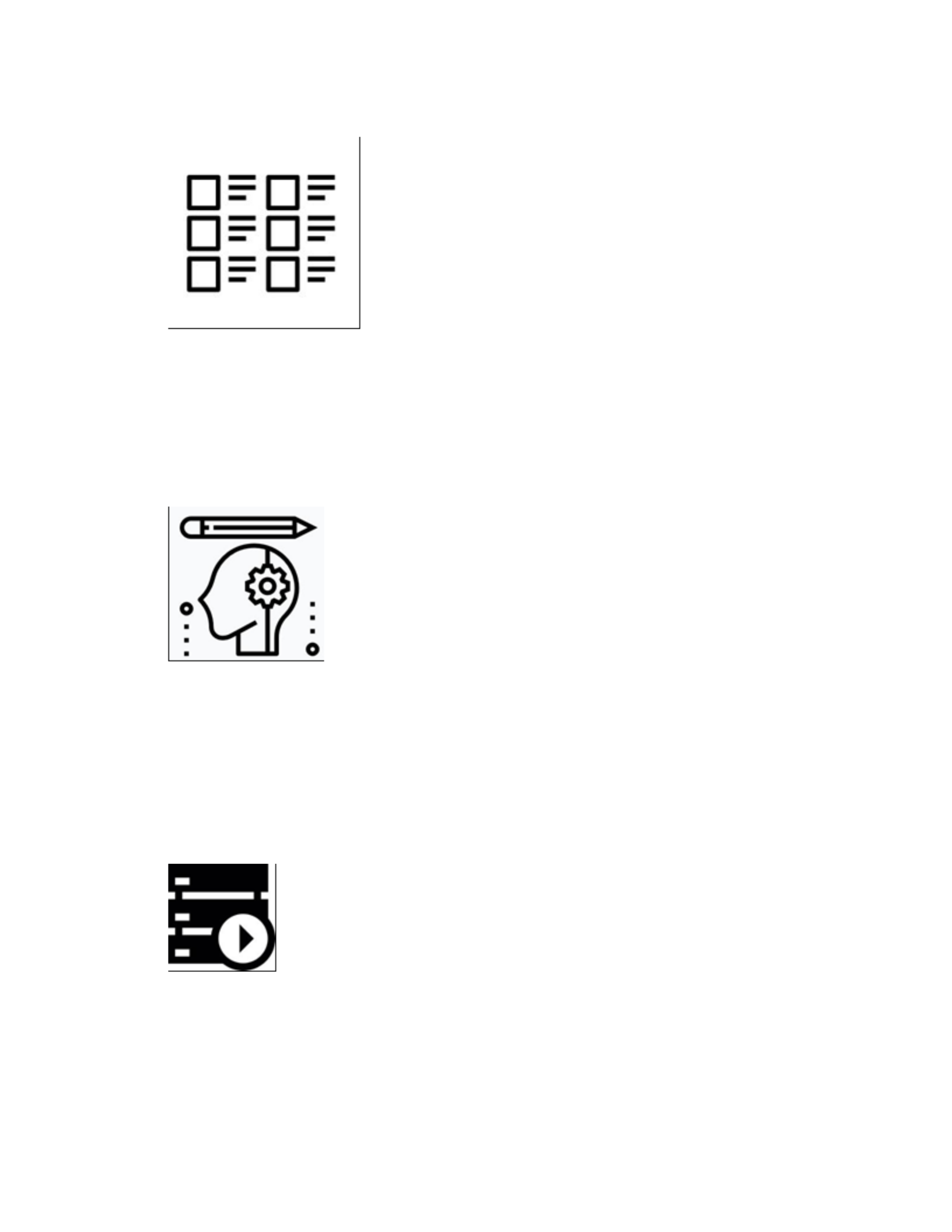
a) Manage Scenarios
The icon above manages scenarios well as it displays six items that must be sorted or
ordered(managed). The icon thus fits well with managing scenarios as the user can clearly
see that there are multiple or numerous items that are associated with this particular icon
and the user is in turn persuaded to check out that section. The icon above is adequate.
b) Manage Assumptions
The icon is perfect for representing Manage Assumptions. This is because the head is the
place where assumptions are usually made. The gear that is inside the head denotes the
assumptions being made inside the head while the pencil denotes the management part of
the assumptons.
c) Run Scenarios
The icon above is perfect for denoting the Run Scenarios as it the standard play/run
symbol that is required for the Run Scenarios.
CSIS 375
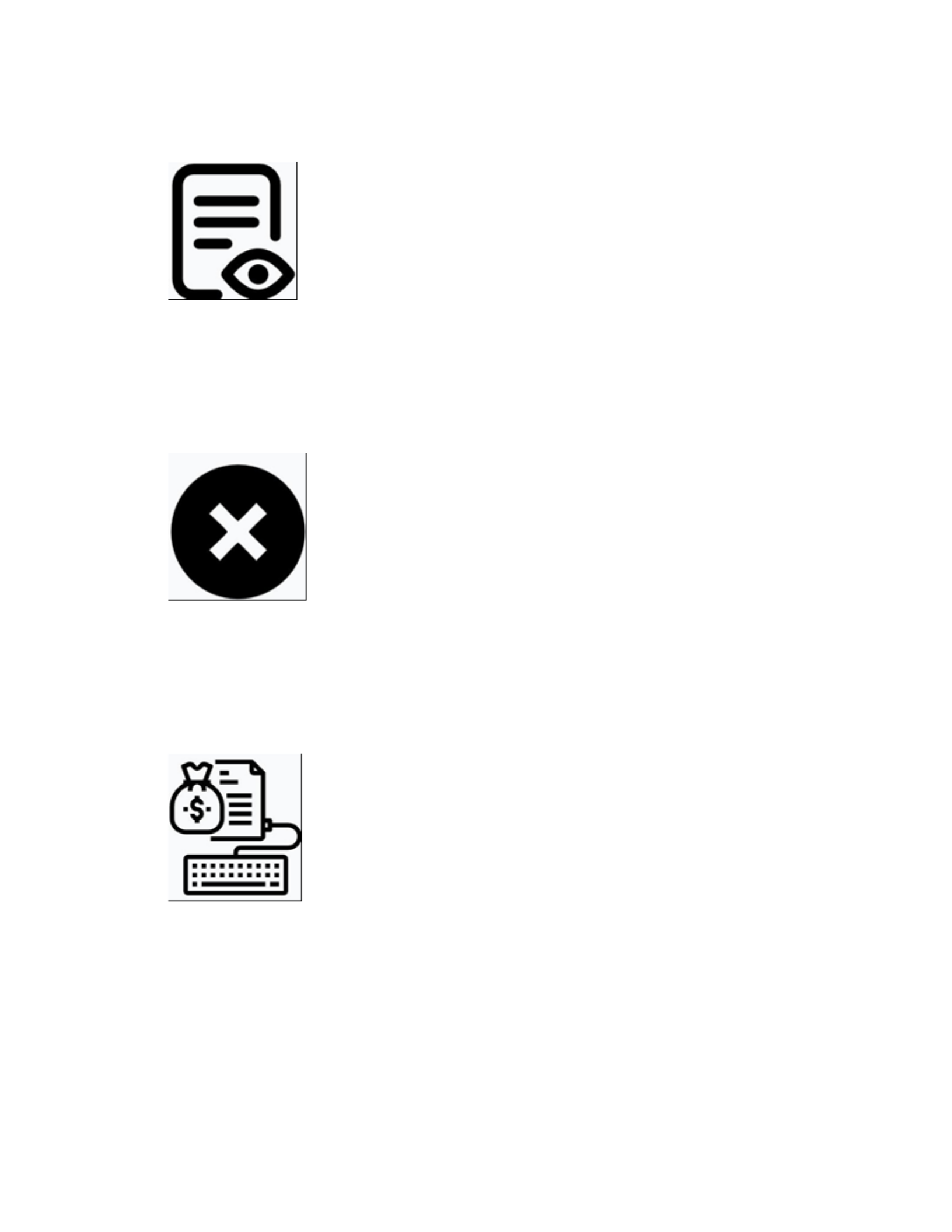
d) View Reports
The icon above is perfect for denoting the View Reports since the eyeball denote the
viewing of the report while the paper denotes the report being viewed.
e) Exit Application
The icon above correctly denotes Exit Application item since the X that is inside the
circle in the icon represents exiting or closing an application.
f) Enter base values
The icon above correctly denotes the Enter base values item as the keyboard represent the
user entering the base values and the dollar bag with money plus the study paper denote
the base values being entered.
CSIS 375
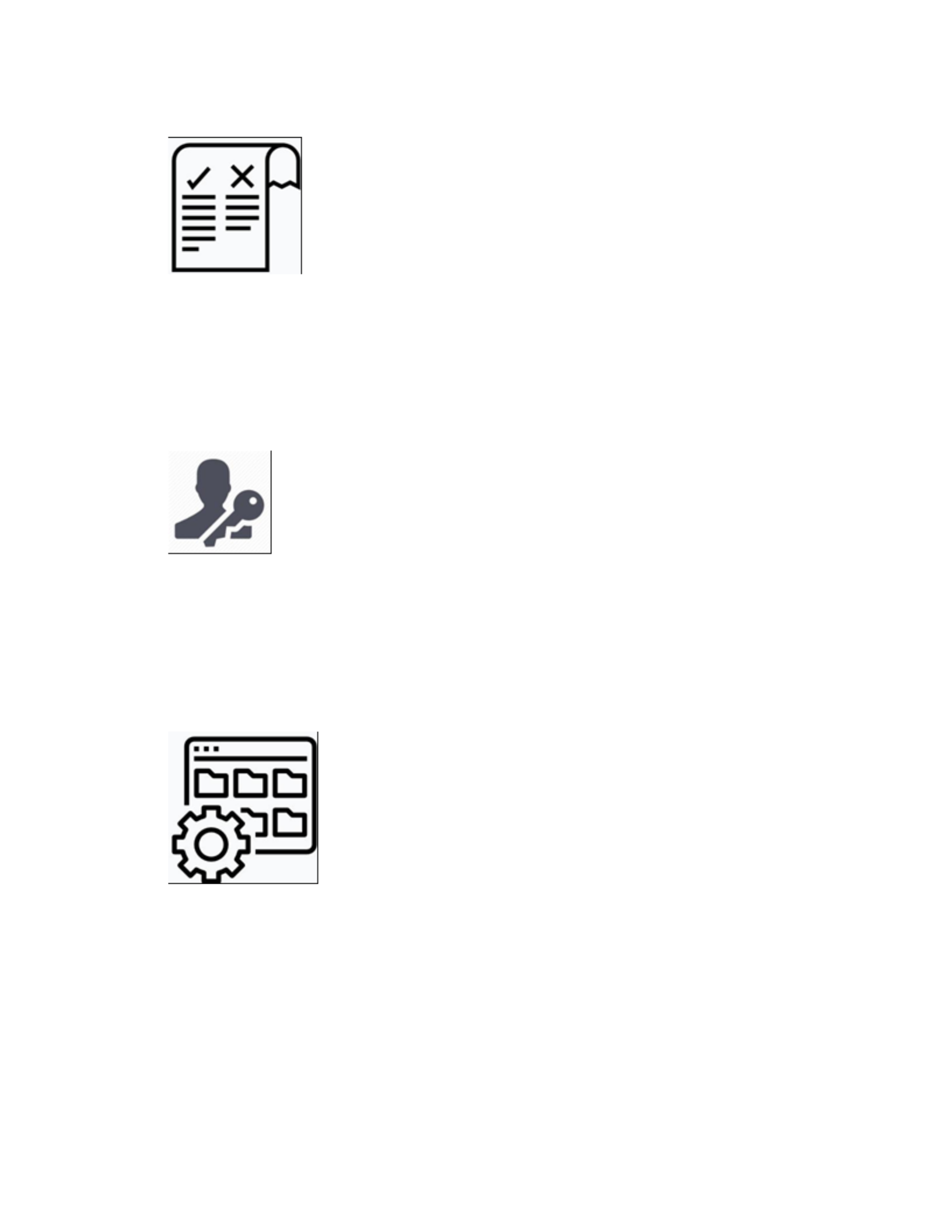
g) Compare Scenarios
The icon above correctly denotes the Compare Scenarios item since the paper has two
very separate sections reperesenting two scenarios. The tick checkmark and the X denote
a comparison being made between the two scenarios.
h) Manage Permissions
The icon above correctly denotes the Manage Permissions item since the key denotes the
unlock and lock functionality of permissions. The person denotes the manager or
personell in charge of managing permissions.
i) Manage Archives
The icon above correctly denotes the Manage Archives item since the screen shown has
many files in it that represents the archive. The gear denotes the managing part.
CSIS 375
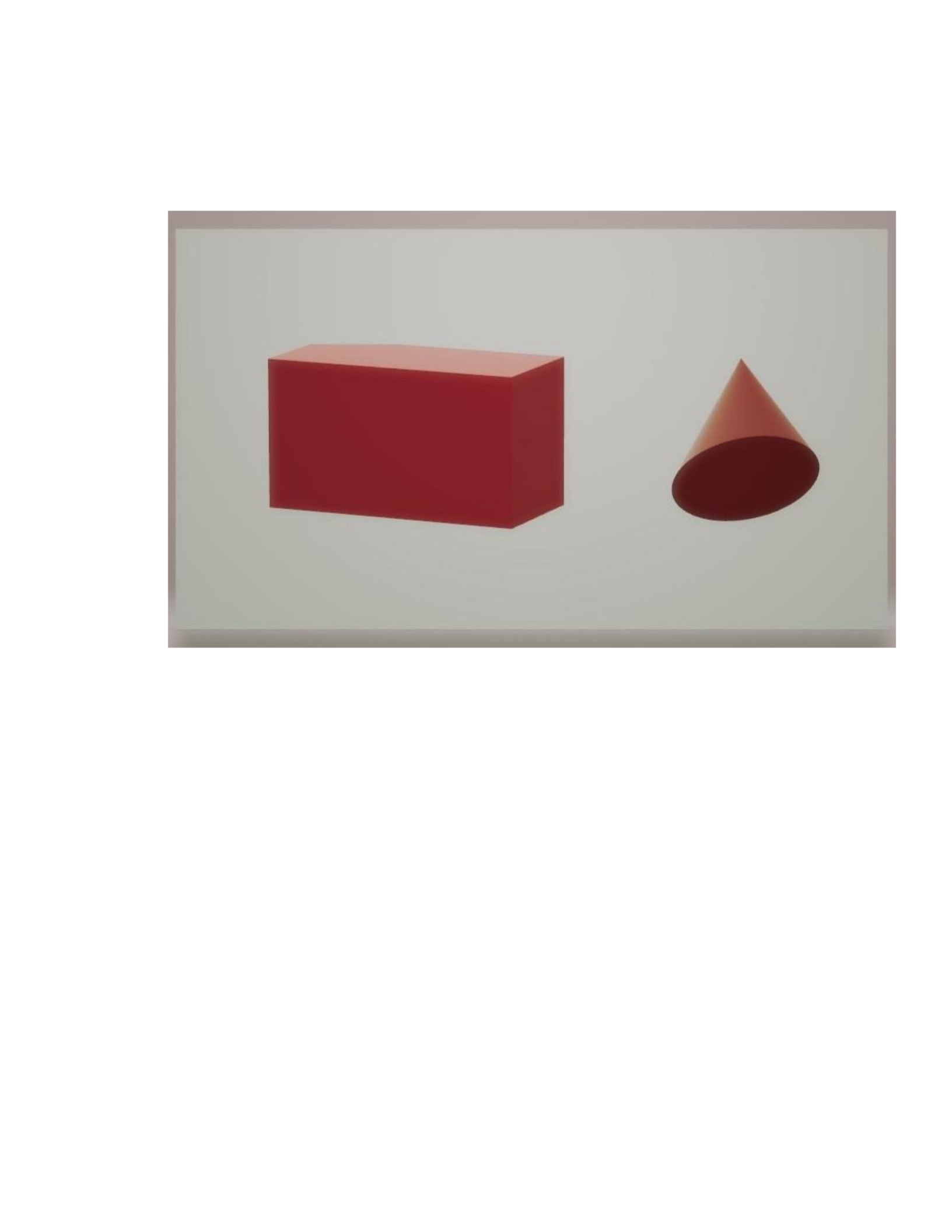
5. Using a drawing tool, create a picture that uses only colors to produce a three-
dimensional effect. The picture you create can be as simple as a circle within a square or
various characters on a background.

