


CIS 1A
 skyknowpytdv
[removed]
| 1 | Start Word. Download and open the file named go16_wd_ch01_grader_1e_hw.docx. | 0 |
| 2 | Type Sturgeon Point Productions Presents Aria Pacheco and then press ENTER. Insert the text from the downloaded file w01E_Filmaker.docx. | 6 |
| 3 | To the document title, apply the Fill – White, Outline – Accent 1, Glow – Accent 1 text effect—in the second row, the fourth effect, and then change the font size to 36. | 8 |
| 4 | With the title still selected, change the Font Color to Blue-Gray, Text 2—in the fourth column, the first color. Apply an Outer Shadow text effect to the title—in the second row, the third style—Offset Left, and then center the title. | 8 |
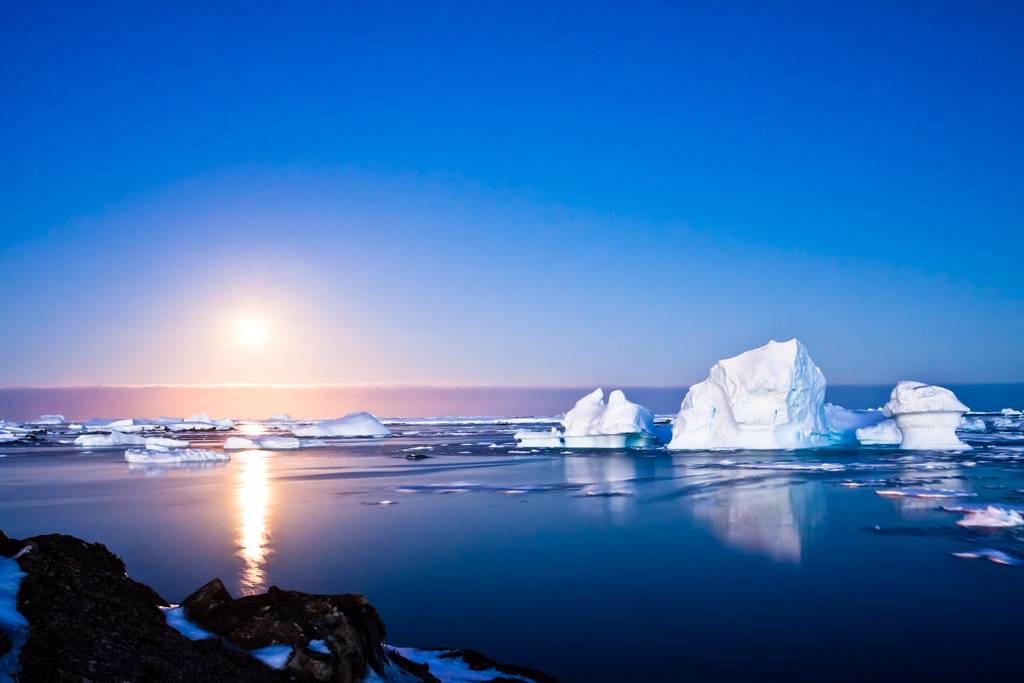
| 5 | Position the insertion point at the beginning of the paragraph that begins with This year, and then insert the downloaded picture file w01E_Antarctica.jpg. | 6 |
| 6 | Change the height of the picture to 2.25 and then change the Layout Options to Square wrapping. | 10 |
| 7 | Using the Position command, display the Layout dialog box and then change the Horizontal Alignment to Right relative to the Margin. | 8 |
| 8 | Apply a 10 Point Soft Edges picture effect to the image. In the third row of the Artistic Effects gallery, apply the fourth effect—Mosaic Bubbles. | 8 |
| 9 | Deselect the picture. Apply a Page Border to the document using the Shadow setting. Select the first style and change the Color to Blue-Gray, Text 2—in the fourth column, the first color—and the Width to 3 pt. | 8 |
| 10 | Below the last paragraph, draw a Text Box. Change the Height of the text box to 1.5 and the Width to 4.5. | 8 |
| 11 | To precisely place the text box, display the Layout dialog box. Change the Horizontal Alignment to Centered, relative to the Page, and then change the Vertical Absolute position to 0.5 below the Paragraph. | 8 |
| 12 | In the text box, type the following text: Date: April 5 Time: 8 p.m. Place: Studio G Screening Room | 6 |
| 13 | Change the text box font size to 18. Apply Bold and Center the text in the box. | 6 |
| 14 | Apply a Shape Style to the text box—in the last row, select the second style—Intense Effect – Blue, Accent 1. Then, change the Shape Outline to Black, Text 1—in the second column, the first color. | 6 |
| 15 | Insert the File Name in the footer. | 4 |
| 16 | Save and close the document. Exit Word. Submit the file as directed. | 0 |
 10 years ago
 10
10
Answer(1)![blurred-text]()

Purchase the answer to view it

NOT RATED
 go16wdch01grader1ehw_-_documentary_10_instructions_1.docx
Bids(1)
other Questions(10)
- Financial Reporting - Horizontal & Vertical Analysis
- assignment
- BUS611 Project Charter Link for Slaksc
- pls find the attachment for artificial
- Terrorist tactics and strategies
- Research Proposal Economics
- GC MGMNT 655o101 week 5
- due on 09/10/2016 - 1000 words research paper -business process improvement waste audit - use template below for paper
- I know it is late notice but I already had this assignment up here and someone did not deliver ! my topic has to be on obesity can you deliver using citations in the brochure and use brochure builder listed in the assignment?
- FOR COMPUTER SCIENCE ONLY

